
Showing 1–16 of 54 results
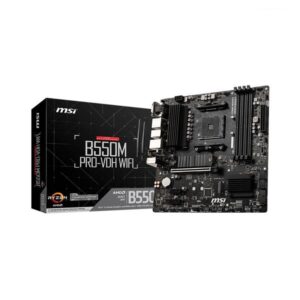
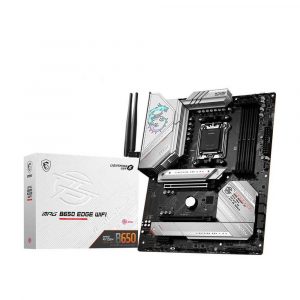
- Original price was: ₹17,400.₹10,469Current price is: ₹10,469. (Inclusive of GST) Brand: Msi Add to cart
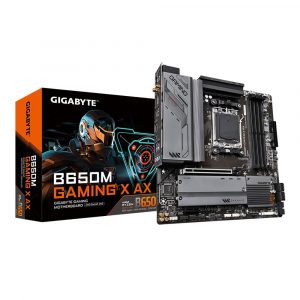
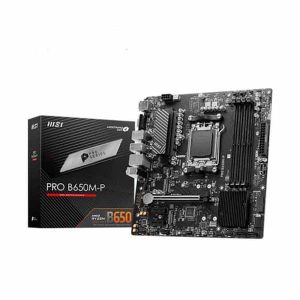
- Original price was: ₹25,000.₹14,289Current price is: ₹14,289. (Inclusive of GST) Brand: Gigabyte Add to cart
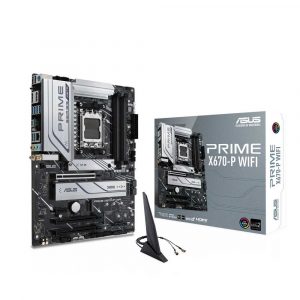
- Original price was: ₹46,000.₹25,969Current price is: ₹25,969. (Inclusive of GST) Brand: Asus Add to cart
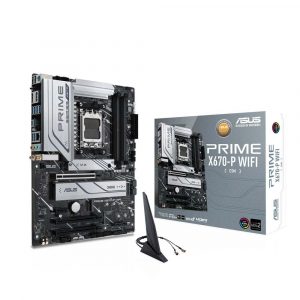
- Original price was: ₹46,000.₹25,969Current price is: ₹25,969. (Inclusive of GST) Brand: Asus Add to cart
- Original price was: ₹49,999.₹22,229Current price is: ₹22,229. (Inclusive of GST) Brand: Msi Add to cart
- Original price was: ₹25,999.₹11,229Current price is: ₹11,229. (Inclusive of GST) Brand: Msi Add to cart
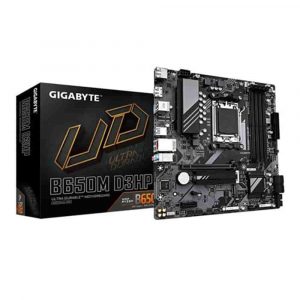
- Original price was: ₹17,200.₹10,229Current price is: ₹10,229. (Inclusive of GST) Brand: Gigabyte Add to cart
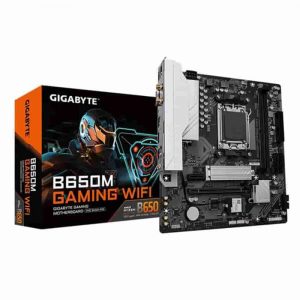
- Original price was: ₹17,200.₹9,529Current price is: ₹9,529. (Inclusive of GST) Brand: Gigabyte Add to cart
- Original price was: ₹24,500.₹11,499Current price is: ₹11,499. (Inclusive of GST) Brand: Gigabyte Add to cart
- Original price was: ₹27,800.₹14,709Current price is: ₹14,709. (Inclusive of GST) Brand: Gigabyte Add to cart
- Original price was: ₹46,000.₹25,969Current price is: ₹25,969. (Inclusive of GST) Brand: Asus Add to cart
- Original price was: ₹90,999.₹49,129Current price is: ₹49,129. (Inclusive of GST) Brand: Msi Add to cart
- Original price was: ₹64,999.₹36,269Current price is: ₹36,269. (Inclusive of GST) Brand: Msi Add to cart
- Original price was: ₹22,000.₹17,259Current price is: ₹17,259. (Inclusive of GST) Brand: Asus Add to cart
- Original price was: ₹26,000.₹20,679Current price is: ₹20,679. (Inclusive of GST) Brand: Asus Add to cart
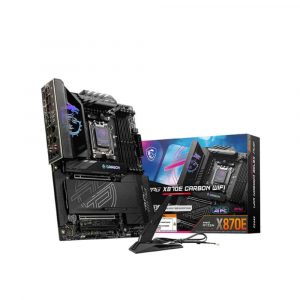

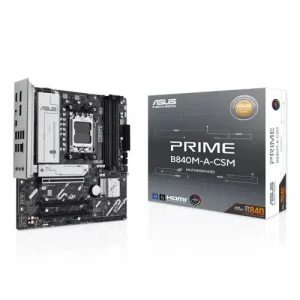
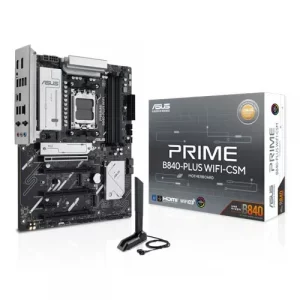
Showing 1–16 of 54 results
Why Buy Your AMD Motherboard from Ezpz Solutions?
We aren’t just a generic online storefront we are dedicated PC builders offering comprehensive Doorstep PC & Laptop Services right here in Mumbai. Navigating the current AMD ecosystem can be tricky; making sure you have the right socket (AM4 vs. AM5) and perfectly tuned memory is critical to getting the most out of your Ryzen processor. That is why we offer hands-on, local expertise to guarantee your build goes flawlessly.
Doorstep Installation in Mumbai: Building a massive custom rig but nervous about dropping a processor into a brand-new AM5 motherboard or wiring the delicate front panel connectors? We offer complete Home PC Assembly and Installation, alongside Home PC Parts Upgrades and Testing, across Mumbai and nearby areas. We will bring your new AMD motherboard directly to your door and build the entire PC for you safely.
BIOS & EXPO Validation: Unsure if a B650 motherboard needs a BIOS update to recognize a Ryzen 9000 series processor, or if your board can handle high-speed DDR5 EXPO RAM? We validate every single component pairing to ensure zero bottlenecks and perfect boot sequences right out of the box.
Complete System Health: Upgrading your motherboard is the perfect time for a complete system refresh. Alongside hardware upgrades, our technicians offer Home PC Troubleshooting & Repair, Home Software Installation, and both Home PC Normal Cleaning and Home PC Deep Cleaning services to ensure your newly rebuilt AMD PC runs perfectly.
100% Genuine & Warrantied: Every AMD motherboard we sell is 100% genuine and backed by a full official Indian warranty, protecting the most vital component of your system.
Frequently Asked Questions:
What is the difference between AM4 and AM5 motherboards?
These are the physical CPU sockets, and they dictate exactly which processors and memory you can use:
AM4: The older, highly affordable platform. It supports Ryzen 3000, 4000, and 5000 series processors (like the Ryzen 5 5600) and exclusively uses older DDR4 memory. It is perfect for budget builders.
AM5: AMD’s newest, future-proof platform. It supports Ryzen 7000, 8000, and 9000 series processors (like the Ryzen 5 7600 or 9800X3D) and exclusively uses ultra-fast DDR5 memory.
What is the difference between X-series, B-series, and A-series motherboards?
The first letter of the chipset dictates the board’s feature set and price tier:
X-Series (e.g., X870, X670): The flagship enthusiast tier. These boards offer massive power delivery for heavy CPU overclocking, tons of USB ports, and the most PCIe 5.0 lanes for extreme multi-drive storage and high-end graphics cards.
B-Series (e.g., B650, B850, B550): The “sweet spot” for most gamers. B-series boards offer a fantastic balance of price and performance, allowing for both CPU and memory overclocking, making them perfect for standard gaming rigs.
A-Series (e.g., A620, A520): The entry-level tier. Designed for basic office PCs and extreme budget gaming builds, offering essential connectivity without premium overclocking features.
Do AMD motherboards support Intel processors?
No. AMD and Intel processors have completely different physical designs and require entirely different motherboard sockets. You cannot put an Intel processor into an AMD motherboard, and vice versa. Always double-check socket compatibility before buying!
Do I need a BIOS update to use a new Ryzen processor?
It depends on when the motherboard was manufactured. If you are putting a brand-new processor (like a Ryzen 9000 series) into an older motherboard chipset (like a B650), the board will likely require a BIOS update before it can recognize the CPU. Fortunately, many mid-range and high-end AMD motherboards feature a “BIOS Flashback” button, allowing you to update the board using a USB drive even without a processor installed.
