
Showing 1–16 of 35 results
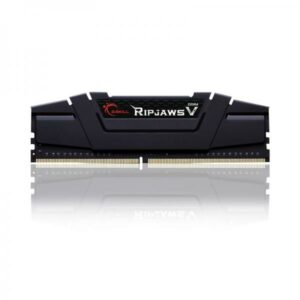
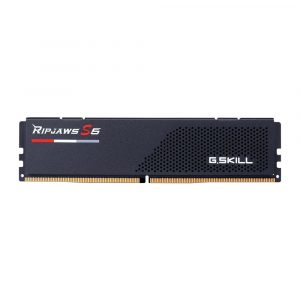
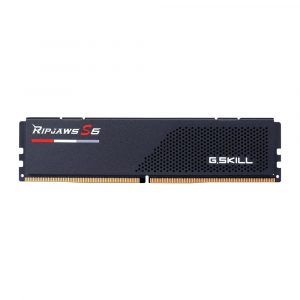
- Original price was: ₹29,520.₹12,769Current price is: ₹12,769. (Inclusive of GST) Brand: G.Skill Add to cart
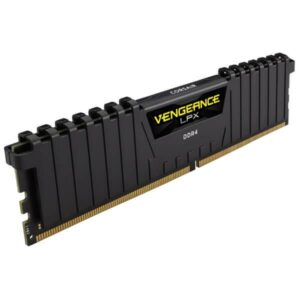
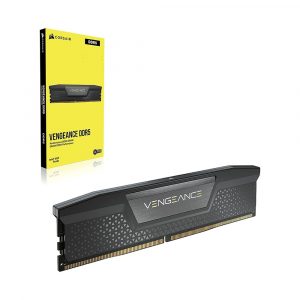
- Original price was: ₹29,072.₹13,269Current price is: ₹13,269. (Inclusive of GST) Brand: Corsair Add to cart
- Original price was: ₹16,640.₹7,869Current price is: ₹7,869. (Inclusive of GST) Brand: Corsair Add to cart
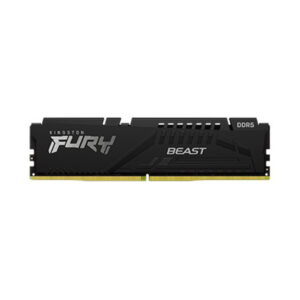
- Original price was: ₹41,640.₹29,749Current price is: ₹29,749. (Inclusive of GST) Brand: Kingston Add to cart
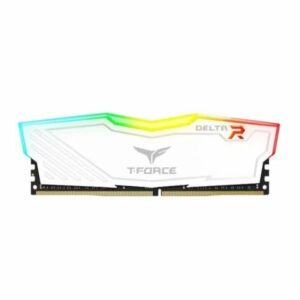
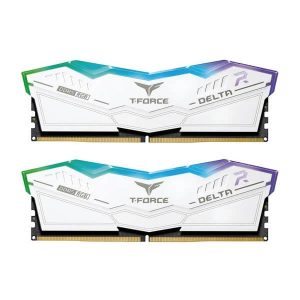
- Original price was: ₹14,290.₹7,329Current price is: ₹7,329. (Inclusive of GST) Brand: Team Group Add to cart
- Original price was: ₹38,992.₹26,899Current price is: ₹26,899. (Inclusive of GST) Brand: Corsair Add to cart
- Original price was: ₹67,770.₹56,469Current price is: ₹56,469. (Inclusive of GST) Brand: Corsair Add to cart
- Original price was: ₹40,560.₹27,699Current price is: ₹27,699. (Inclusive of GST) Brand: Corsair Add to cart
- Original price was: ₹77,490.₹53,949Current price is: ₹53,949. (Inclusive of GST) Brand: Team Group Add to cart
- Original price was: ₹82,490.₹60,779Current price is: ₹60,779. (Inclusive of GST) Brand: Team Group Add to cart
- Original price was: ₹95,000.₹60,449Current price is: ₹60,449. (Inclusive of GST) Brand: Corsair Add to cart
- Original price was: ₹43,280.₹26,609Current price is: ₹26,609. (Inclusive of GST) Brand: G.Skill Add to cart
- Original price was: ₹71,760.₹54,949Current price is: ₹54,949. (Inclusive of GST) Brand: G.Skill Add to cart
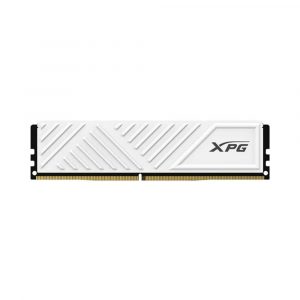
- Original price was: ₹17,160.₹7,369Current price is: ₹7,369. (Inclusive of GST) Brand: XPG Add to cart
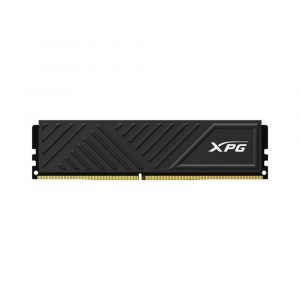
- Original price was: ₹19,560.₹7,259Current price is: ₹7,259. (Inclusive of GST) Brand: XPG Add to cart
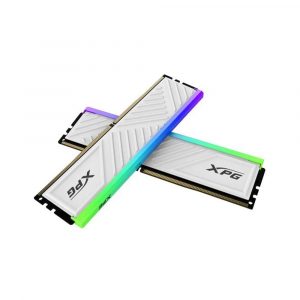
- Original price was: ₹106,160.₹58,829Current price is: ₹58,829. (Inclusive of GST) Brand: XPG Add to cart
Showing 1–16 of 35 results
Why Buy Your RAM from Ezpz Solutions?
We aren’t just a generic online tech catalog we are dedicated PC builders offering comprehensive Doorstep PC & Laptop Services right here in Mumbai. While snapping a stick of RAM into a motherboard might seem easy on YouTube, ensuring maximum stability, avoiding mixed-kit blue screens, and properly configuring your BIOS requires technical expertise. That is why we offer hands-on, local support to guarantee your memory upgrade actually delivers the speed you paid for.
Doorstep Installation in Mumbai: Upgrading a compact gaming laptop or a fragile older desktop but terrified of using too much force and snapping the motherboard slot? We offer complete Home PC Assembly and Installation, alongside Home PC Parts Upgrades and Testing, across Mumbai and nearby areas. We will bring your new RAM kit directly to your door, safely seat the modules, and ensure your system boots perfectly.
The XMP & EXPO Experts: Did you know that high-speed RAM does not run at its advertised speed out of the box? If you buy a 6000MHz kit, it will default to a slow base speed (like 4800MHz) until properly configured. Our Mumbai technicians will boot into your system’s BIOS and enable Intel XMP or AMD EXPO profiles, ensuring you get the absolute maximum frame rates and performance from your new purchase.
Compatibility & Clearance Checks: Buying a massive dual-tower CPU air cooler? We will help you select low-profile RAM that physically fits underneath it. Upgrading an existing PC? We will ensure your new sticks match your motherboard’s DDR generation, maximum supported capacity, and voltage requirements.
100% Genuine & Lifetime Warranties: Every memory kit we sell is 100% genuine. Most premium RAM modules from brands like Corsair and G.Skill are backed by official limited lifetime warranties, protecting your investment forever.
Frequently Asked Questions:
Can I upgrade my DDR4 motherboard with new DDR5 RAM?
No. DDR generations are absolutely not cross-compatible. A DDR4 motherboard features physical slots that will only accept DDR4 RAM sticks. The notch on the bottom of a DDR5 stick is in a completely different location, making it physically impossible to install it into a DDR4 board (and vice versa). You must buy the exact generation of memory that your specific motherboard or laptop supports.
How much RAM do I actually need?
It depends entirely on what you use your PC for:
8GB: The absolute bare minimum for basic office tasks and light web browsing. Not recommended for modern gaming.
16GB: The standard sweet spot for budget and mainstream 1080p gaming, everyday multitasking, and light productivity.
32GB: The new “gold standard” for high-end gaming (especially heavy titles like Microsoft Flight Simulator or Star Citizen), streaming, and content creation (like editing 4K video in Premiere Pro).
64GB or More: Strictly for heavy professional workloads, 3D animation (Maya, Blender), massive data science processing, and enterprise workstations.
What are Intel XMP and AMD EXPO?
When you buy a high-speed memory kit (for example, a DDR5 kit advertised at 6400MHz), it contains a factory overclocking profile. XMP (Extreme Memory Profile) is Intel’s standard, and EXPO (Extended Profiles for Overclocking) is AMD’s standard. By entering your motherboard’s BIOS and enabling this profile with one click, you instruct the motherboard to safely supply the correct voltage and timings required for the RAM to reach its maximum advertised speed.
Can I mix and match different RAM brands or speeds?
We strongly advise against it! To ensure absolute stability and prevent “Blue Screens of Death” (BSODs), you should always buy your RAM in a matched kit (e.g., a single box that contains two 16GB sticks). If you mix a Corsair stick with a Kingston stick, or mix a 3200MHz stick with a 3600MHz stick, your motherboard will force both sticks to run at the speed of the slowest module, and you risk severe system instability.
