
Showing 1–16 of 61 results
- Original price was: ₹10,379.₹8,229Current price is: ₹8,229. (Inclusive of GST) Brand: Gigabyte Add to cart
- Original price was: ₹28,999.₹21,229Current price is: ₹21,229. (Inclusive of GST) Brand: Asus Add to cart
- Original price was: ₹34,599.₹17,929Current price is: ₹17,929. (Inclusive of GST) Brand: Msi Add to cart
- Original price was: ₹20,700.₹13,629Current price is: ₹13,629. (Inclusive of GST) Brand: Msi Add to cart
- Original price was: ₹17,400.₹9,979Current price is: ₹9,979. (Inclusive of GST) Brand: Msi Add to cart
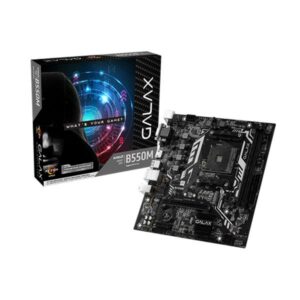

- Original price was: ₹26,000.₹18,509Current price is: ₹18,509. (Inclusive of GST) Brand: ASRock Add to cart
- Original price was: ₹44,999.₹20,329Current price is: ₹20,329. (Inclusive of GST) Brand: Msi Add to cart
- Original price was: ₹35,999.₹14,079Current price is: ₹14,079. (Inclusive of GST) Brand: Msi Add to cart
- Original price was: ₹35,999.₹21,579Current price is: ₹21,579. (Inclusive of GST) Brand: Msi Add to cart
- Original price was: ₹30,000.₹21,549Current price is: ₹21,549. (Inclusive of GST) Brand: Asus Add to cart
- Original price was: ₹38,700.₹20,279Current price is: ₹20,279. (Inclusive of GST) Brand: Gigabyte Add to cart
- Original price was: ₹9,459.₹6,229Current price is: ₹6,229. (Inclusive of GST) Brand: Msi Add to cart
- Original price was: ₹22,999.₹15,579Current price is: ₹15,579. (Inclusive of GST) Brand: Asus Add to cart
- Original price was: ₹23,139.₹17,939Current price is: ₹17,939. (Inclusive of GST) Brand: Msi Add to cart
- Original price was: ₹40,999.₹22,729Current price is: ₹22,729. (Inclusive of GST) Brand: Msi Add to cart
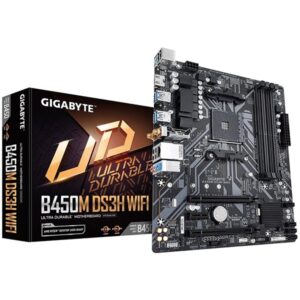
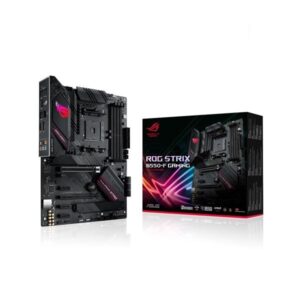
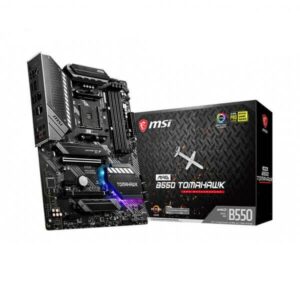
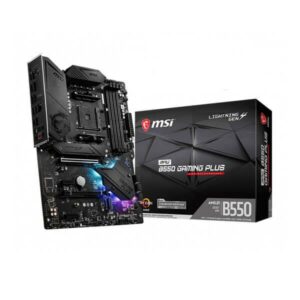
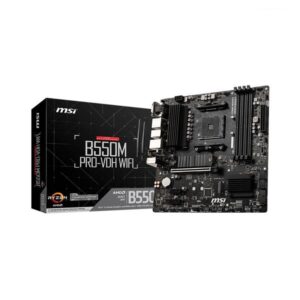
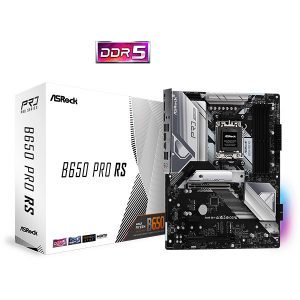
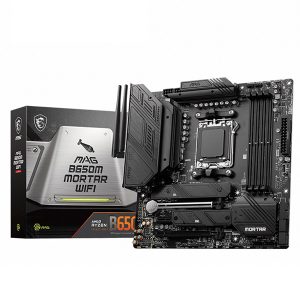
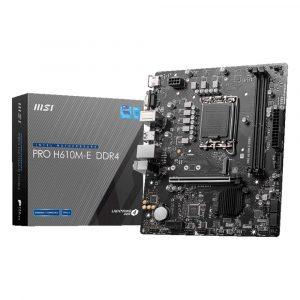
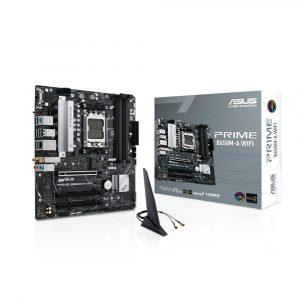
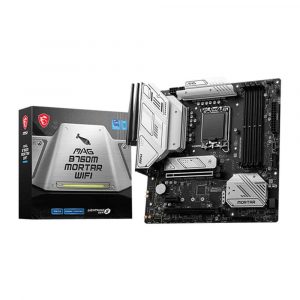
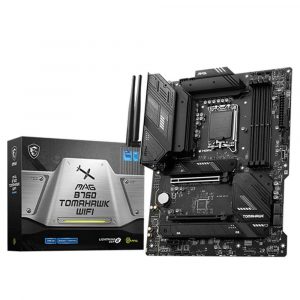
Showing 1–16 of 61 results
Why Buy Your Motherboard from Ezpz Solutions?
We aren’t just a regular online storefront we are dedicated PC builders offering comprehensive Doorstep PC & Laptop Services right here in Mumbai. The motherboard is the most complex part of any build; dropping a screw on the PCB, bending a fragile socket pin, or failing to flash the BIOS correctly can instantly ruin your system. That is why we offer hands-on, local expertise to guarantee your foundation is flawless.
Doorstep Installation in Mumbai: Building a massive custom PC but terrified of handling the motherboard standoffs, front-panel connectors, or the delicate LGA and AM5 processor sockets? We offer complete Home PC Assembly and Installation, alongside Home PC Parts Upgrades and Testing, across Mumbai and nearby areas. We will bring your new motherboard to your door and build the entire PC for you.
BIOS & Compatibility Experts: Unsure if a B760 motherboard needs a BIOS update for a 14th Gen Intel processor, or if your DDR5 EXPO RAM is compatible with a new B850 board? We validate every component pairing to ensure zero bottlenecks and perfect boot sequences out of the box.
Complete System Health: Replacing a dead motherboard is the perfect time for a complete system overhaul. Alongside motherboard swaps, our technicians offer Home PC Troubleshooting & Repair, Home Software Installation, and both Home PC Normal Cleaning and Home PC Deep Cleaning services to ensure your newly rebuilt PC runs perfectly.
100% Genuine & Warrantied: Every motherboard we sell is 100% genuine and backed by a full official Indian warranty to protect your core investment.
Frequently Asked Questions:
Which motherboard size (Form Factor) should I buy?
Motherboards generally come in three main sizes: ATX, Micro-ATX (mATX), and Mini-ITX.
ATX: The standard size. It offers the most PCIe slots, M.2 storage slots, and features. It is perfect for standard mid-tower and full-tower cabinets.
Micro-ATX (mATX): Slightly shorter than ATX. It is a fantastic choice for budget builds or slightly smaller PC cases, while still offering plenty of features for the average gamer.
Mini-ITX: The smallest size available, designed specifically for ultra-compact, small form factor (SFF) builds.
What is the difference between Z/X-series, B-series, and H/A-series motherboards?
These letters dictate the “chipset tier” and overall feature set:
Z-Series (Intel) & X-Series (AMD): The flagship enthusiast tier (like Z890 or X870). They offer extreme power delivery, support processor overclocking, have the most PCIe lanes (often PCIe 5.0), and feature massive connectivity.
B-Series (Intel & AMD): The mainstream “sweet spot” (like B860 or B650). They offer excellent features for gamers and creators at a great price without extreme overclocking tools.
H-Series (Intel) & A-Series (AMD): The budget entry-level tier (like H610 or A620). Designed for basic computing and budget gaming, featuring fewer USB ports and storage options.
Do motherboards come with built-in Wi-Fi and Bluetooth?
Not all of them! If a motherboard has built-in wireless connectivity, it will almost always have “WiFi”, “AC”, or “AX” explicitly stated in its product name (for example, the MSI MAG B850 TOMAHAWK WIFI). If you purchase a motherboard without Wi-Fi, you will need to connect to the internet using a LAN Ethernet cable, or purchase a separate PCIe Wi-Fi card.
Can I put an Intel processor in an AMD motherboard?
No. Intel and AMD processors have completely different physical designs and require entirely different motherboard sockets. For example, a new Intel Core Ultra processor requires an LGA 1851 motherboard (like a Z890), while an AMD Ryzen 9000 processor requires an AM5 motherboard (like an X870). Always double-check socket compatibility before buying, or reach out to our team for help!
Meta Details for this Page:
Meta Title: Buy Motherboards for Gaming & Editing in Mumbai | EZPZ Solutions
Meta Description: Shop the widest range of PC motherboards in India (Z890, X870, B850, B760). Top brands, expert compatibility advice, and Mumbai doorstep PC installation.
