
Showing 1–16 of 45 results
- Original price was: ₹20,999.₹18,269Current price is: ₹18,269. (Inclusive of GST) Brand: Seagate Add to cart
- Original price was: ₹9,999.₹4,489Current price is: ₹4,489. (Inclusive of GST) Brand: Western Digital (WD) Add to cart
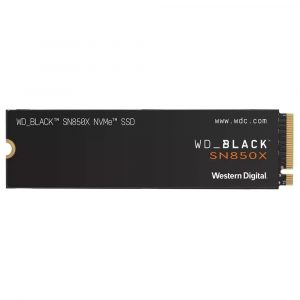
- Original price was: ₹10,999.₹8,179Current price is: ₹8,179. (Inclusive of GST) Brand: Western Digital (WD) Add to cart
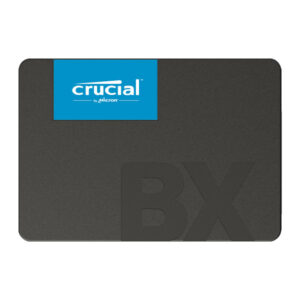
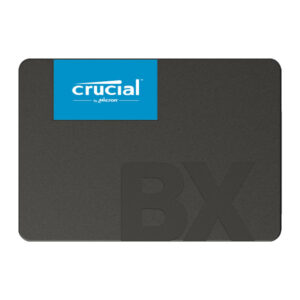
- Original price was: ₹8,999.₹4,899Current price is: ₹4,899. (Inclusive of GST) Brand: Crucial Add to cart
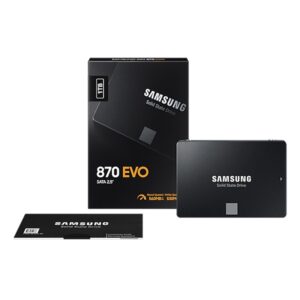
- Original price was: ₹44,699.₹42,199Current price is: ₹42,199. (Inclusive of GST) Brand: Samsung Add to cart
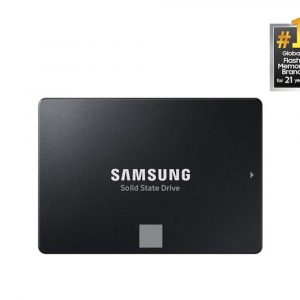
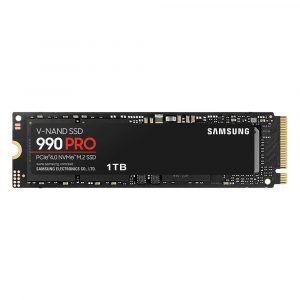
- Original price was: ₹42,999.₹35,799Current price is: ₹35,799. (Inclusive of GST) Brand: Samsung Add to cart
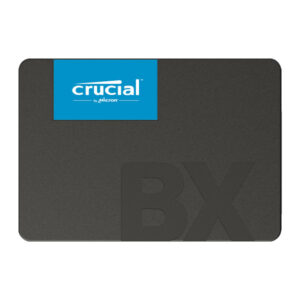
- Original price was: ₹15,999.₹13,489Current price is: ₹13,489. (Inclusive of GST) Brand: Crucial Add to cart
- Original price was: ₹29,999.₹23,869Current price is: ₹23,869. (Inclusive of GST) Brand: Crucial Add to cart
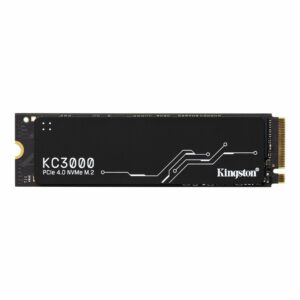
- Original price was: ₹41,999.₹36,669Current price is: ₹36,669. (Inclusive of GST) Brand: Kingston Add to cart
- Original price was: ₹49,999.₹46,949Current price is: ₹46,949. (Inclusive of GST) Brand: Western Digital (WD) Add to cart
- Original price was: ₹29,999.₹29,099Current price is: ₹29,099. (Inclusive of GST) Brand: Samsung Add to cart
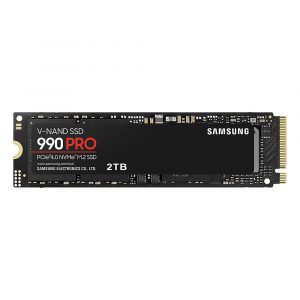

- Original price was: ₹19,999.₹13,749Current price is: ₹13,749. (Inclusive of GST) Brand: Western Digital (WD) Add to cart
- Original price was: ₹24,999.₹23,099Current price is: ₹23,099. (Inclusive of GST) Brand: Kingston Add to cart
- Original price was: ₹15,999.₹13,979Current price is: ₹13,979. (Inclusive of GST) Brand: Adata Add to cart
- Original price was: ₹29,999.₹22,849Current price is: ₹22,849. (Inclusive of GST) Brand: Adata Add to cart
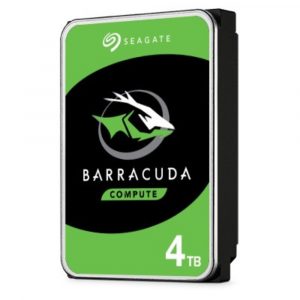
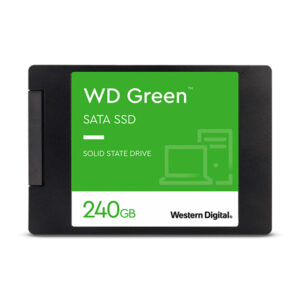
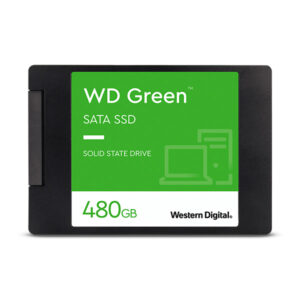
Showing 1–16 of 45 results
Why Buy Your Storage Drives from Ezpz Solutions?
We aren’t just a generic online tech catalog—we are dedicated PC builders offering comprehensive Doorstep PC & Laptop Services right here in Mumbai. Upgrading your storage isn’t just about plugging in a new drive; it is about safely migrating your operating system, ensuring your motherboard supports the correct NVMe generation, and managing extreme thermal loads. That is why we offer hands-on, local support to guarantee your data upgrade is completely stress-free.
Doorstep OS Cloning & Installation in Mumbai: Want to upgrade your slow old hard drive to a blazing-fast NVMe SSD, but terrified of losing your files or reinstalling Windows? We offer complete Home PC Assembly and Installation, alongside Home PC Parts Upgrades and Testing, across Mumbai. Our technicians will bring your new drive to your door, safely install it, and completely clone your existing operating system and files bit-by-bit. You get your exact same PC back, just infinitely faster.
Compatibility & Thermal Experts: Not sure if your laptop takes an M.2 NVMe or an older 2.5-inch SATA SSD? We will verify your system’s exact specifications before you buy. If you are upgrading to a high-end PCIe Gen4 or Gen5 SSD, we also ensure your system has the proper motherboard heatsink clearance to prevent extreme thermal throttling.
Complete System Health: Since the PC chassis is already open, it is the perfect time for maintenance. Alongside storage upgrades, our technicians offer Home PC Troubleshooting & Repair, and both Home PC Normal Cleaning and Home PC Deep Cleaning services to remove dust buildup and keep your processor and new SSD running ice-cold.
100% Genuine & Data Secure: Fake storage drives are a massive problem in the online market, leading to corrupted data and lost files. Every single HDD and SSD we sell is 100% genuine, factory-sealed, and backed by a full official Indian warranty to protect your most valuable digital assets.
Frequently Asked Questions:
What is the difference between an SSD and an HDD?
HDD (Hard Disk Drive): These use old-school spinning magnetic platters and mechanical read/write arms to access your data. They are very slow by modern standards, but they are incredibly cheap to manufacture. HDDs are strictly best for mass, long-term archival storage (like storing terabytes of old videos or backups).
SSD (Solid State Drive): These use flash memory chips with zero moving parts. Even the slowest SSD is significantly faster than the fastest HDD. They boot up Windows in seconds, eliminate game loading screens, and make your entire computer feel instantly snappy.
What is the difference between M.2 NVMe and standard SATA SSDs?
SATA SSDs are the older generation. They plug in using the same cables as old mechanical hard drives and are physically capped at speeds around 550 MB/s. M.2 NVMe SSDs look like tiny sticks of gum and plug directly into a dedicated slot on your modern motherboard. Because they connect directly to the processor’s PCIe lanes, they are astonishingly fast. Even a budget NVMe drive will hit 3,500 MB/s, while the newest Gen5 NVMe drives can push past 14,000 MB/s!
Do I really need a Gen5 NVMe SSD?
It depends entirely on your workload. For 95% of normal users and gamers, the answer is no. A high-quality Gen4 NVMe SSD (which reaches speeds of around 7,500 MB/s) is currently the ultimate “sweet spot” for gaming and general use, and is significantly cheaper. However, if you are a professional 4K/8K video editor, a 3D animator, or a data scientist who regularly moves massive 100GB+ files, the extreme 14,000+ MB/s speeds of a Gen5 SSD will save you hours of waiting over the course of a year.
Can I run programs off an External Portable SSD?
Yes, absolutely! Modern portable SSDs utilize high-speed USB 3.2 Gen 2 (10Gbps) or USB4 (40Gbps) connections. A high-quality portable SSD is fast enough that you can install heavy software like Adobe Premiere Pro or large Steam games directly onto the external drive, plug it into your laptop, and run the programs seamlessly without any noticeable lag.
