
Showing 1–16 of 117 results
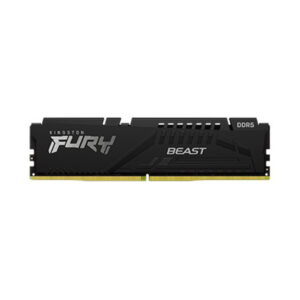
- Original price was: ₹41,640.₹28,549Current price is: ₹28,549. (Inclusive of GST) Brand: Kingston Add to cart
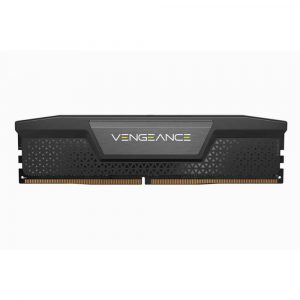
- Original price was: ₹38,992.₹26,899Current price is: ₹26,899. (Inclusive of GST) Brand: Corsair Add to cart
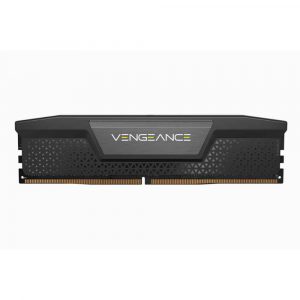
- Original price was: ₹67,770.₹53,449Current price is: ₹53,449. (Inclusive of GST) Brand: Corsair Add to cart
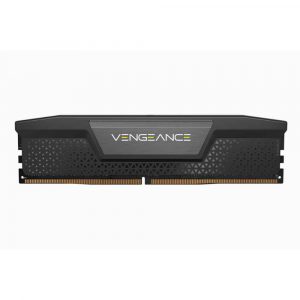
- Original price was: ₹40,560.₹26,819Current price is: ₹26,819. (Inclusive of GST) Brand: Corsair Add to cart
- Original price was: ₹77,490.₹51,649Current price is: ₹51,649. (Inclusive of GST) Brand: Team Group Add to cart
- Original price was: ₹82,490.₹60,699Current price is: ₹60,699. (Inclusive of GST) Brand: Team Group Add to cart
- Original price was: ₹95,000.₹60,299Current price is: ₹60,299. (Inclusive of GST) Brand: Corsair Add to cart
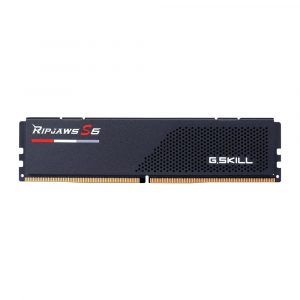
- Original price was: ₹43,280.₹25,349Current price is: ₹25,349. (Inclusive of GST) Brand: G.Skill Add to cart
- Original price was: ₹71,760.₹54,949Current price is: ₹54,949. (Inclusive of GST) Brand: G.Skill Add to cart
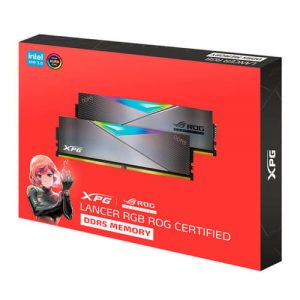
- Original price was: ₹119,760.₹70,229Current price is: ₹70,229. (Inclusive of GST) Brand: XPG Add to cart
- Original price was: ₹108,480.₹68,699Current price is: ₹68,699. (Inclusive of GST) Brand: XPG Add to cart
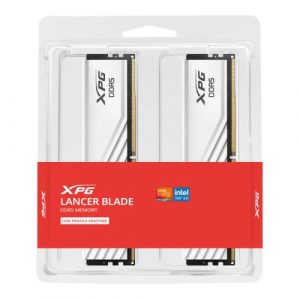
- Original price was: ₹77,960.₹57,629Current price is: ₹57,629. (Inclusive of GST) Brand: XPG Add to cart
- Original price was: ₹77,960.₹57,629Current price is: ₹57,629. (Inclusive of GST) Brand: XPG Add to cart
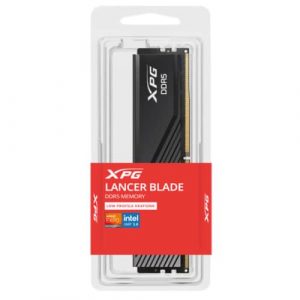
- Original price was: ₹99,760.₹68,629Current price is: ₹68,629. (Inclusive of GST) Brand: XPG Add to cart
- Original price was: ₹99,760.₹68,629Current price is: ₹68,629. (Inclusive of GST) Brand: XPG Add to cart
- Original price was: ₹94,960.₹63,399Current price is: ₹63,399. (Inclusive of GST) Brand: XPG Add to cart
Showing 1–16 of 117 results
Why Buy Your Desktop DDR5 RAM from Ezpz Solutions?
We aren’t just a regular online tech catalog we are dedicated enterprise and enthusiast PC builders offering comprehensive Doorstep PC & Laptop Services right here in Mumbai. Upgrading to the DDR5 standard involves more than just snapping sticks into a motherboard; it requires managing complex memory training, strict motherboard QVL (Qualified Vendor List) compatibility, and precise BIOS adjustments. That is why we offer hands-on, local support to guarantee your premium memory runs flawlessly at its advertised speed.
Doorstep Installation in Mumbai: Building a massive new AM5 rig but terrified of bending pins or improperly seating the high-density DDR5 modules? We offer complete Home PC Assembly and Installation, alongside Home PC Parts Upgrades and Testing, across Mumbai and nearby areas. We will bring your new DDR5 kit directly to your door, install the sticks in the correct dual-channel slots, and verify absolute stability.
The DDR5 EXPO & XMP Experts: High-speed DDR5 does not run at 6000MHz out of the box! If you don’t configure it, your expensive memory will default to a slow 4800MHz base speed. Our technicians will boot into your system’s BIOS, enable the correct AMD EXPO or Intel XMP 3.0 profile, and ensure your system passes memory training without blue-screening.
Compatibility & Clearance Checks: DDR5 can be notoriously picky. We verify that the specific memory kit you choose is fully compatible with your motherboard and processor generation. Furthermore, if you are using a large CPU air cooler, we help you select low-profile DDR5 kits that physically clear the heatsink.
Complete System Health: Alongside hardware upgrades, our technicians offer Home PC Troubleshooting & Repair, and both Home PC Normal Cleaning and Home PC Deep Cleaning services to ensure your high-end desktop remains dust-free, thermally optimal, and perfectly stable.
Frequently Asked Questions:
Can I use DDR5 RAM in my older DDR4 motherboard?
No. DDR5 and DDR4 are completely physically incompatible. A DDR5 memory module has its connection notch in a different location than a DDR4 module to prevent accidental installation. You cannot force a DDR5 stick into a DDR4 motherboard. You must ensure your motherboard specifically states it supports DDR5 memory (such as AMD B650/X670 boards or Intel Z790/B760 boards with DDR5 slots).
What is the “sweet spot” speed for DDR5 memory?
For the vast majority of users especially those building on AMD’s AM5 platform (Ryzen 7000 and 9000 series) 6000MHz with a low CAS latency (like CL30) is considered the absolute sweet spot. This specific frequency perfectly aligns with the processor’s internal clock speeds, providing the best possible gaming frame rates and stability without overspending. Intel platforms can often push higher speeds (up to 7200MHz+), but 6000MHz to 6400MHz remains the most cost-effective and stable choice.
Why does my new PC take so long to boot with DDR5?
If your new DDR5 system takes a minute or two to show a display when you first turn it on, don’t panic! This is a completely normal process called Memory Training. The motherboard is testing the DDR5 modules to find the most stable sub-timings. While the very first boot (or the first boot after enabling EXPO/XMP) can take several minutes, subsequent boots will be much faster once the motherboard “remembers” the training data.
Should I buy two sticks or four sticks of DDR5?
For DDR5, it is highly recommended to stick to a two-stick kit (e.g., 2 x 16GB). The DDR5 architecture places immense stress on the motherboard’s memory controller. Currently, populating all four RAM slots on a motherboard with high-speed DDR5 almost always forces the system to significantly drop the memory frequency to maintain stability. If you need 64GB of RAM, buy a kit with two 32GB sticks rather than four 16GB sticks.
