
Showing all 8 results
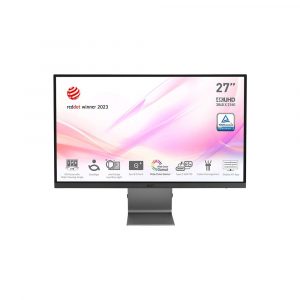
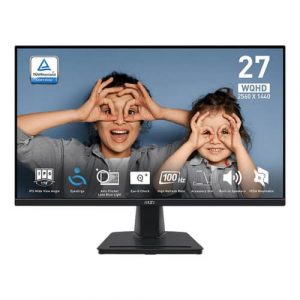
- Original price was: ₹43,000.₹23,529Current price is: ₹23,529. (Inclusive of GST) Brand: Msi Add to cart
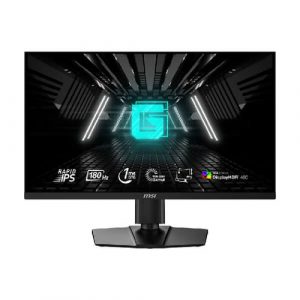
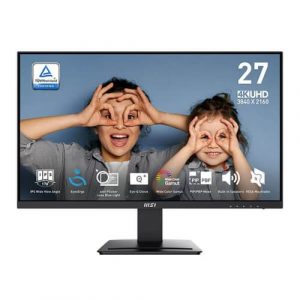
- Original price was: ₹25,000.₹12,469Current price is: ₹12,469. (Inclusive of GST) Brand: Msi Add to cart
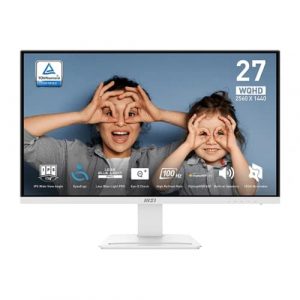
- Original price was: ₹36,999.₹19,909Current price is: ₹19,909. (Inclusive of GST) Brand: Msi Add to cart
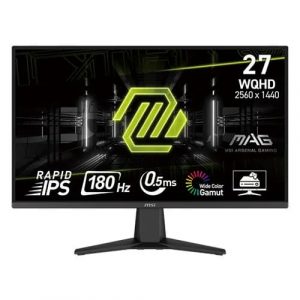
- Original price was: ₹35,999.₹17,069Current price is: ₹17,069. (Inclusive of GST) Brand: Msi Add to cart
- Original price was: ₹20,999.₹13,569Current price is: ₹13,569. (Inclusive of GST) Brand: Msi Add to cart
- Original price was: ₹22,999.₹15,469Current price is: ₹15,469. (Inclusive of GST) Brand: Msi Add to cart
- Original price was: ₹30,999.₹13,069Current price is: ₹13,069. (Inclusive of GST) Brand: Msi Add to cart
- Original price was: ₹32,699.₹18,469Current price is: ₹18,469. (Inclusive of GST) Brand: Msi Add to cart


Showing all 8 results
Why Buy Your 27-inch Monitor from ezpz solutions?
We aren’t just a generic online tech catalog we are a dedicated PC building business offering comprehensive onsite services right here in Mumbai. Upgrading to a premium 27-inch 1440p monitor is a massive visual leap, but if Windows is configured incorrectly or your desk is too shallow, you will ruin the experience. That is why we offer hands-on, expert local support to guarantee your visual setup is flawless.
Refresh Rate & Resolution Calibration: Did you know that almost all 144Hz or 240Hz gaming monitors default to a sluggish 60Hz out of the box? Our Mumbai team will ensure your new 27-inch display is plugged directly into your graphics card via DisplayPort, properly configure your Windows display settings to unlock its maximum refresh rate, and enable G-Sync or FreeSync for incredibly smooth, tear-free gaming.
Onsite VESA Gas-Spring Mounting: A 27-inch monitor comes with a large, heavy base that can eat up half your desk. We offer complete onsite hardware installation across Mumbai. Our technicians will safely unbox your delicate new screen, remove the factory stand, and mount it to a premium gas-spring VESA arm, allowing you to pull, tilt, and push the monitor away with a single finger.
Color Profile Configuration: For content creators and video editors, color accuracy is paramount. We will ensure your new IPS or OLED monitor is running the correct ICC color profiles in Windows, giving you perfect DCI-P3 and sRGB color accuracy for your creative workflows.
100% Genuine & Safe Transit: A 27-inch glass panel is highly fragile. Every display we sell is 100% genuine, factory-sealed, and delivered safely by our local team, entirely eliminating the risk of receiving a monitor that has been cracked or destroyed during courier shipping.
Frequently Asked Questions:
Why is 27 inches considered the “sweet spot” for monitors?
It offers the perfect combination of size and pixel density. A 24-inch screen can feel slightly cramped for modern multitasking, while a massive 32-inch screen often requires a very deep desk so you don’t strain your neck looking at the corners. A 27-inch display fits perfectly on almost any standard desk, fills your field of view beautifully, and is the absolute mathematically perfect size for a 1440p (2K) resolution.
Should I buy a 1080p, 1440p, or 4K monitor at 27 inches?
1440p (2K QHD): This is the absolute best choice for a 27-inch monitor. The pixel density is perfectly sharp for reading text, and mid-to-high-end gaming PCs can easily run games at 1440p with very high frame rates.
1080p (FHD): We generally do not recommend 1080p for a 27-inch screen unless you are on a very strict budget. Because the screen is larger, the 1080p pixels are stretched out, making text look slightly blurry and pixelated.
4K (UHD): 4K looks incredibly sharp on a 27-inch screen, making it excellent for professional photo editors or Mac users. However, for gamers, running a game in 4K requires an incredibly expensive, high-end graphics card (like an RTX 4080 or 5080).
What is the difference between IPS and OLED on a 27-inch monitor?
IPS (In-Plane Switching): The industry standard for high-end monitors. IPS panels offer fantastic color accuracy, very bright backlights for well-lit rooms, and are excellent for both gaming and heavy office work without any risk of screen burn-in.
OLED (Organic LED): The new, ultra-premium standard for gaming and movies. OLED panels have no backlight; each pixel lights up individually. This means they produce “perfect blacks” and infinite contrast, resulting in the most beautiful, cinematic image quality possible, alongside near-instant response times.
Should I get a Curved or Flat 27-inch monitor?
For a 27-inch screen, Flat is almost always better. Curved screens are designed to wrap the edges of a massive monitor around your peripheral vision so you don’t have to turn your head. Because a 27-inch monitor is not overwhelmingly wide, a curve is generally unnecessary and can actually distort straight lines, which is highly distracting if you use your PC for architectural design, video editing, or spreadsheet work.
