
Showing all 15 results
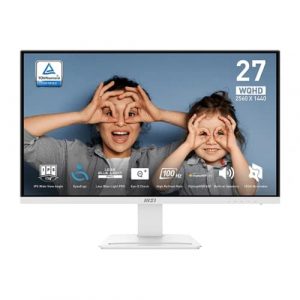
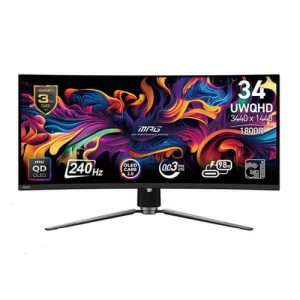
- Original price was: ₹43,000.₹23,529Current price is: ₹23,529. (Inclusive of GST) Brand: Msi Add to cart
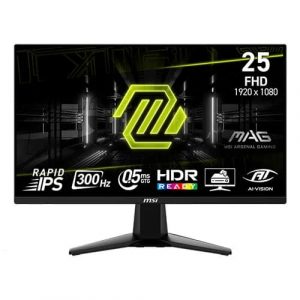
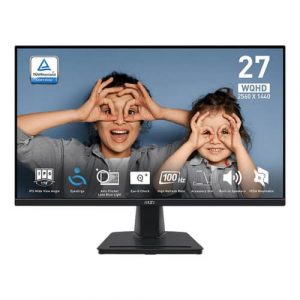
- Original price was: ₹25,000.₹12,469Current price is: ₹12,469. (Inclusive of GST) Brand: Msi Add to cart
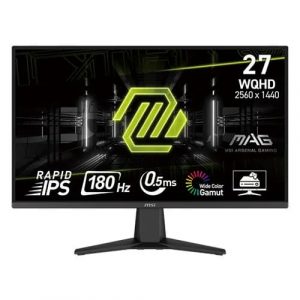
- Original price was: ₹36,999.₹19,909Current price is: ₹19,909. (Inclusive of GST) Brand: Msi Add to cart
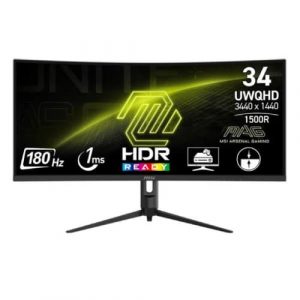
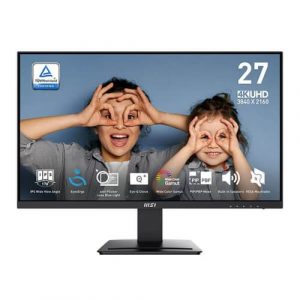
- Original price was: ₹20,999.₹11,669Current price is: ₹11,669. (Inclusive of GST) Brand: Msi Add to cart
- Original price was: ₹35,999.₹17,069Current price is: ₹17,069. (Inclusive of GST) Brand: Msi Add to cart
- Original price was: ₹142,999.₹71,769Current price is: ₹71,769. (Inclusive of GST) Brand: Msi Add to cart
- Original price was: ₹20,999.₹13,569Current price is: ₹13,569. (Inclusive of GST) Brand: Msi Add to cart
- Original price was: ₹20,999.₹12,969Current price is: ₹12,969. (Inclusive of GST) Brand: Msi Add to cart
- Original price was: ₹22,999.₹15,469Current price is: ₹15,469. (Inclusive of GST) Brand: Msi Add to cart
- Original price was: ₹81,360.₹25,869Current price is: ₹25,869. (Inclusive of GST) Brand: Msi Add to cart
- Original price was: ₹164,999.₹75,969Current price is: ₹75,969. (Inclusive of GST) Brand: Msi Add to cart
- Original price was: ₹30,999.₹13,069Current price is: ₹13,069. (Inclusive of GST) Brand: Msi Add to cart
- Original price was: ₹20,999.₹12,879Current price is: ₹12,879. (Inclusive of GST) Brand: Msi Add to cart
- Original price was: ₹32,699.₹18,469Current price is: ₹18,469. (Inclusive of GST) Brand: Msi Add to cart
- Original price was: ₹29,000.₹18,969Current price is: ₹18,969. (Inclusive of GST) Brand: Msi Add to cart


Showing all 15 results
Why Buy Your Pixel-Perfect Monitor from ezpz solutions?
We aren’t just a generic online tech catalog we are a dedicated PC building business offering comprehensive onsite services right here in Mumbai. Upgrading to a massive 4K or 5K resolution isn’t as simple as plugging in a cable. It requires ensuring your graphics card can handle the load and configuring Windows so your icons don’t shrink to an unreadable size. That is why we offer hands-on, local support to guarantee your high-resolution upgrade is flawless.
Hardware Compatibility & GPU Checks: Buying a stunning 4K monitor is a mistake if you only have an entry-level graphics card; your games will turn into a stuttering slideshow. Before you buy, our Mumbai team will evaluate your exact PC specifications to ensure your graphics card is actually powerful enough to drive your chosen resolution at smooth frame rates.
Windows Display Scaling Calibration: A common frustration with 4K and 5K monitors is that out of the box, text and desktop icons appear microscopically small. Our experts will properly configure Windows Custom UI Scaling to 125% or 150%, ensuring your text is breathtakingly crisp while remaining completely comfortable to read.
Multi-Resolution Dual Setups: Upgrading to a 1440p main monitor but keeping your old 1080p screen as a secondary display? Moving your mouse between two screens with different resolutions can cause the cursor to “snag” on the edges. We will expertly align your virtual displays in Windows and tweak your DPI settings so your mouse glides perfectly between the mismatched screens.
Onsite Setup & VESA Mounting: No matter how many pixels you have, poor posture will ruin your experience. We offer complete onsite hardware installation across Mumbai, securely mounting your new high-resolution displays to heavy-duty VESA gas-spring arms to perfectly optimize your viewing angle and reclaim your desk space.
Frequently Asked Questions:
What does “Monitor Resolution” actually mean?
Resolution refers to the exact number of pixels (tiny dots of light) arranged in a grid on your screen, written as Width x Height. For example, a 1080p (FHD) monitor has a grid of 1920 x 1080 pixels (roughly 2 million pixels total). A 4K (UHD) monitor has a grid of 3840 x 2160 pixels (roughly 8.2 million pixels). More pixels mean the image is drawn with a vastly finer brush, resulting in sharper, more lifelike details.
Does a higher resolution lower my gaming FPS (Frames Per Second)?
Yes, significantly! Every single pixel on your monitor must be individually calculated and colored by your PC’s graphics card 60 to over 144 times every second. Upgrading from a 1080p monitor to a 4K monitor means your graphics card suddenly has to render four times as many pixels. If you do not have a very powerful, high-end graphics card (like an RTX 4070 Ti, 4080, or 4090), playing games at 4K will cause your frame rate to drop heavily.
How do I choose the right resolution for my screen size?
Resolution and physical screen size must always be matched together to maintain good “Pixel Density” (how tightly packed the pixels are).
22 to 24 inches: 1080p (FHD) is perfect.
27 inches: 1440p (2K QHD) is the undisputed sweet spot. 1080p will look slightly blurry at this size.
32 inches and larger: 4K (UHD) is practically mandatory to keep the image looking crisp.
What is the difference between 1440p (2K) and 4K?
1440p (2K QHD): Known as the ultimate “sweet spot” for modern PC builders. It offers a massive visual upgrade over standard 1080p, making text look incredibly sharp, but it is much easier for mid-range graphics cards to run smoothly than 4K.
4K (UHD): The premium standard for extreme gaming, professional video editing, and cinematic movie watching. It offers flawless, lifelike clarity, but requires incredibly expensive PC hardware to run modern games smoothly.
