
Showing 17–24 of 24 results
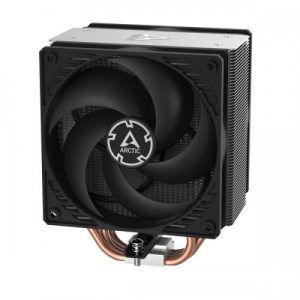
- Original price was: ₹7,999.₹3,589Current price is: ₹3,589. (Inclusive of GST) Brand: Arctic Add to cart
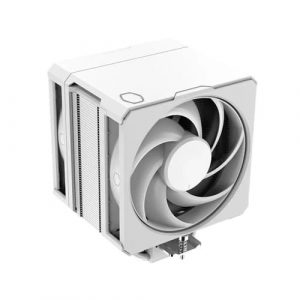
- Original price was: ₹10,999.₹6,189Current price is: ₹6,189. (Inclusive of GST) Brand: Cooler Master Add to cart
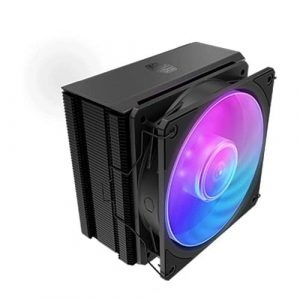
- Original price was: ₹3,999.₹2,689Current price is: ₹2,689. (Inclusive of GST) Brand: Cooler Master Add to cart
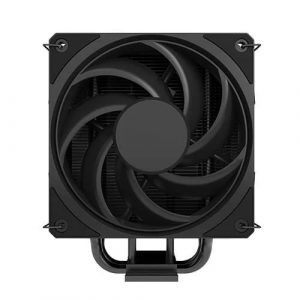
- Original price was: ₹3,999.₹2,589Current price is: ₹2,589. (Inclusive of GST) Brand: Cooler Master Add to cart
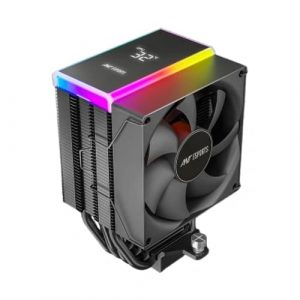
- Original price was: ₹2,999.₹2,209Current price is: ₹2,209. (Inclusive of GST) Brand: Ant Esports Add to cart
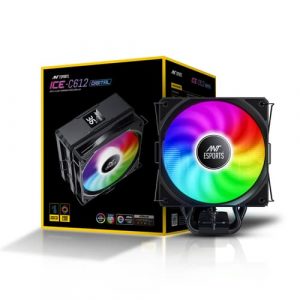
- Original price was: ₹3,999.₹2,449Current price is: ₹2,449. (Inclusive of GST) Brand: Ant Esports Add to cart
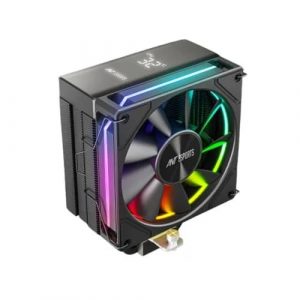
- Original price was: ₹3,999.₹2,729Current price is: ₹2,729. (Inclusive of GST) Brand: Ant Esports Add to cart
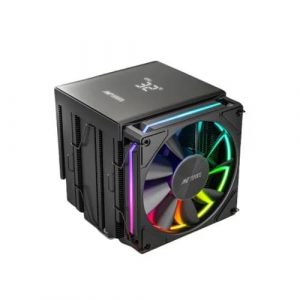
- Original price was: ₹5,999.₹4,089Current price is: ₹4,089. (Inclusive of GST) Brand: Ant Esports Add to cart
Showing 17–24 of 24 results
Why Buy Your CPU Air Cooler from ezpz solutions?
We aren’t just a generic online tech catalog—we are a dedicated PC building business offering comprehensive onsite services right here in Mumbai. Installing a heavy aftermarket air cooler can be terrifying. Overtightening the mounting bracket can permanently crush your processor, and applying the wrong amount of thermal paste will cause immediate overheating. That is why we offer hands-on, local support to guarantee your CPU is cooled safely and optimally.
Onsite Cooler Installation in Mumbai: Need to replace a loud, whining stock cooler? We offer complete onsite PC building and hardware installation across Mumbai. Our technicians will bring your new air cooler to your door, safely clean the old thermal paste off your processor, apply premium aftermarket thermal compound, and mount your heavy new heatsink with the exact correct pressure.
RAM Clearance & Case Dimensions Check: Massive Dual Tower air coolers are notorious for blocking the RAM slots on a motherboard or being too tall to allow the PC case glass to close. Before you buy, our Mumbai team will verify your exact case dimensions and memory height to ensure your massive new cooler fits flawlessly inside your chassis.
System Repairs & Deep Cleaning: CPU air coolers are basically giant dust filters. If the aluminum fins get clogged, the cooler completely loses its ability to dissipate heat. Alongside hardware upgrades, we specialize in comprehensive PC repairs and onsite deep cleaning. We will blast the suffocating dust out of your heatsink and case fans, restoring your PC to its brand-new, silent thermal performance.
100% Genuine & Safe: Counterfeit cooling fans have terrible bearings that rattle and die quickly. Every single air cooler we sell is 100% genuine, factory-sealed, and backed by the manufacturer’s official Indian warranty.
Frequently Asked Questions:
Is an Air Cooler enough to cool a high-end gaming PC?
Absolutely! This is a massive misconception in the PC building community. While liquid cooling looks incredibly sleek, a high-end Dual Tower air cooler (like the Deepcool AK620 or Noctua NH-D15) offers thermal performance that matches or even beats many expensive 240mm liquid coolers. As long as your PC case has good airflow from its front intake fans, a premium air cooler can easily tame extreme high-end gaming processors.
Do CPU Air Coolers require any maintenance?
Only basic dusting! That is the greatest advantage of buying an air cooler. Because there are no liquids, no pumps to fail, and no tubes to degrade, an air cooler is practically immortal. The only moving part is the fan attached to the heatsink. To keep it performing perfectly, simply use compressed air to blow the dust out of the metal fins every six months.
What is the difference between a Single Tower and a Dual Tower air cooler?
Single Tower: Features one stack of metal cooling fins and typically one fan. They are slim, highly affordable, and leave plenty of room for your RAM sticks. They are the perfect “sweet spot” for mid-range gaming CPUs.
Dual Tower: Features two massive blocks of metal fins and typically two fans sandwiched between them. They are much heavier and take up a massive amount of space inside the case, but they offer the absolute best air-cooling performance possible for high-wattage processors.
Does it matter which way the fan faces on my air cooler?
Yes, it is critical! Air coolers rely on a specific directional airflow path. The fan attached to the front of the heatsink must be pushing air through the metal fins, aiming toward the rear exhaust fan of your PC case. If you accidentally install the fan backwards, it will fight against your case’s natural airflow, trapping hot air inside the chassis and causing your processor to overheat rapidly.
