
Showing 33–48 of 63 results
- Original price was: ₹39,999.₹20,219Current price is: ₹20,219. (Inclusive of GST) Brand: Samsung Add to cart
- Original price was: ₹200,000.₹158,449Current price is: ₹158,449. (Inclusive of GST) Brand: Samsung Add to cart
- Original price was: ₹196,299.₹103,449Current price is: ₹103,449. (Inclusive of GST) Brand: Samsung Add to cart
- Original price was: ₹49,099.₹22,449Current price is: ₹22,449. (Inclusive of GST) Brand: Samsung Add to cart
- Original price was: ₹259,799.₹118,599Current price is: ₹118,599. (Inclusive of GST) Brand: Samsung Add to cart
- Original price was: ₹129,899.₹51,849Current price is: ₹51,849. (Inclusive of GST) Brand: Samsung Add to cart
- Original price was: ₹64,899.₹28,619Current price is: ₹28,619. (Inclusive of GST) Brand: Samsung Add to cart
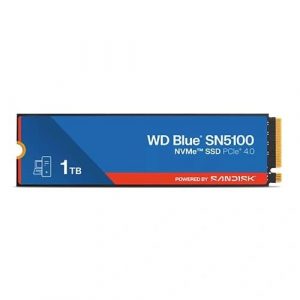
- Original price was: ₹21,000.₹16,649Current price is: ₹16,649. (Inclusive of GST) Brand: Western Digital (WD) Add to cart
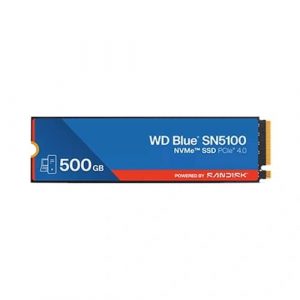

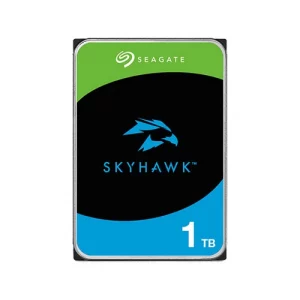
- Original price was: ₹11,999.₹11,069Current price is: ₹11,069. (Inclusive of GST) Brand: Seagate Add to cart
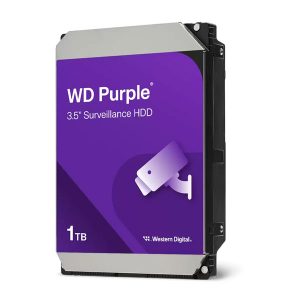
- Original price was: ₹12,599.₹11,179Current price is: ₹11,179. (Inclusive of GST) Brand: Western Digital (WD) Add to cart
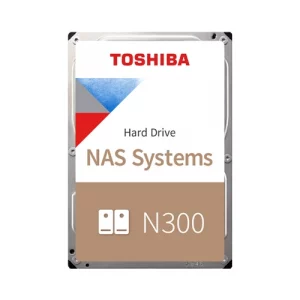
- Original price was: ₹24,999.₹22,509Current price is: ₹22,509. (Inclusive of GST) Brand: Toshiba Add to cart
- Original price was: ₹128,999.₹102,399Current price is: ₹102,399. (Inclusive of GST) Brand: Toshiba Add to cart
- Original price was: ₹88,599.₹84,499Current price is: ₹84,499. (Inclusive of GST) Brand: Western Digital (WD) Add to cart
- Original price was: ₹101,999.₹82,149Current price is: ₹82,149. (Inclusive of GST) Brand: Seagate Add to cart
- Original price was: ₹101,999.₹83,209Current price is: ₹83,209. (Inclusive of GST) Brand: Seagate Add to cart
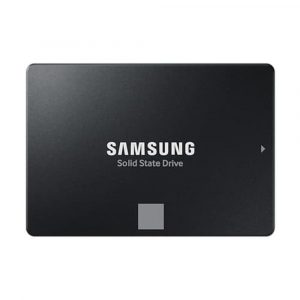
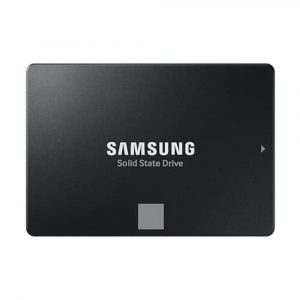
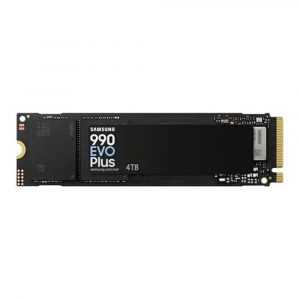
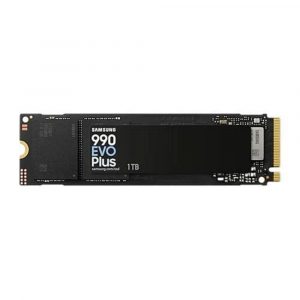
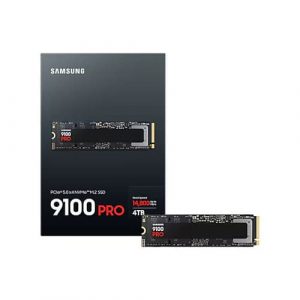
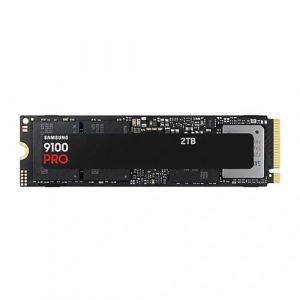
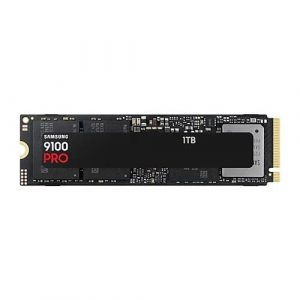
Showing 33–48 of 63 results
Why Buy Your Internal Storage from Ezpz Solutions?
We aren’t just a generic online tech catalog we are dedicated PC builders offering comprehensive Doorstep PC & Laptop Services right here in Mumbai. Upgrading internal storage is often the most stressful upgrade for a PC owner because it directly involves your personal data. That is why we offer hands-on, local support to guarantee your storage upgrade is safe, seamless, and incredibly fast.
Doorstep OS Cloning in Mumbai: Terrified of losing your files or spending hours reinstalling Windows and all your software? We offer complete Home PC Assembly and Installation, alongside Home PC Parts Upgrades and Testing, across Mumbai and nearby areas. Our technicians will bring your new SSD directly to your door, safely install it into your motherboard or laptop, and perform a bit-by-bit clone of your old drive. You get your exact same PC back, just infinitely faster.
Motherboard Compatibility Experts: The M.2 ecosystem can be confusing. If you buy a premium Gen5 NVMe drive but your motherboard only supports Gen3, you waste a massive amount of money. Our Mumbai team will verify your exact processor and motherboard specifications to ensure you buy the exact generation of NVMe or SATA drive that your system can fully utilize.
Thermal Management: Modern Gen5 and Gen4 NVMe SSDs run incredibly hot and will heavily throttle their speeds if not properly cooled. We ensure your new drive is installed with the correct motherboard heatsink or an aftermarket SSD cooler so it sustains maximum performance during heavy gaming or 4K video rendering.
100% Genuine & Data Secure: Fake SSDs are a plague on the online market, leading to corrupted operating systems and lost data. Every single internal HDD and SSD we sell is 100% genuine, factory-sealed, and backed by a full official Indian warranty.
Frequently Asked Questions:
What is the difference between NVMe Gen4 and Gen5 SSDs?
Gen4 NVMe SSDs are currently the ultimate “sweet spot” for 95% of users. They reach massive speeds of up to 7,500 MB/s, which is more than enough to instantly load modern AAA games and boot Windows in seconds. Gen5 NVMe SSDs are the bleeding-edge standard for 2026. Utilizing new controllers, they push bandwidth up to an astonishing 14,000+ MB/s. However, they carry a premium price tag and are generally only necessary for professional 4K/8K video editors, 3D animators, or data scientists working with massive AI datasets locally.
Can I install an M.2 NVMe SSD into an older PC?
It depends entirely on your motherboard! NVMe drives require a dedicated M.2 PCIe slot. If your older motherboard only has standard SATA cable ports, you cannot use an NVMe drive; you must buy a standard 2.5-inch SATA SSD instead. If you are unsure what slots your PC has, our local Mumbai technicians can verify your system’s compatibility before you make a purchase!
Are Internal HDDs (Hard Drives) still worth buying?
Yes, but strictly for bulk storage, never for your operating system! Mechanical hard drives are extremely slow compared to modern SSDs, but they remain the absolute cheapest way to store massive amounts of data. If you need to store 4TB to 20TB+ of old family videos, full system backups, or a massive media library, a high-capacity 3.5-inch internal HDD is still the most cost-effective solution.
Why do some M.2 SSDs have two notches instead of one?
This is a critical physical difference! An M.2 drive with two notches is an older M.2 SATA SSD. It physically fits into an M.2 slot but is limited to the very slow speeds of traditional SATA cables (around 550 MB/s). An M.2 drive with a single notch is a modern NVMe SSD, which uses high-speed PCIe lanes to hit speeds in the thousands of megabytes per second. Always check your motherboard manual to see which “key” (notch type) your specific M.2 slot supports!
