
Showing all 8 results
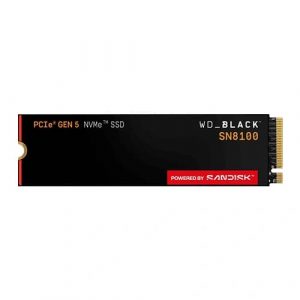
- Original price was: ₹117,400.₹102,099Current price is: ₹102,099. (Inclusive of GST) Brand: Western Digital (WD) Add to cart
- Original price was: ₹68,000.₹53,949Current price is: ₹53,949. (Inclusive of GST) Brand: Western Digital (WD) Add to cart
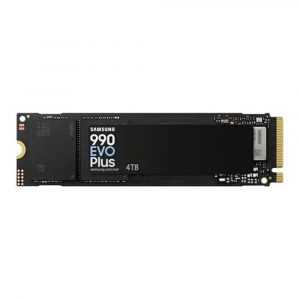
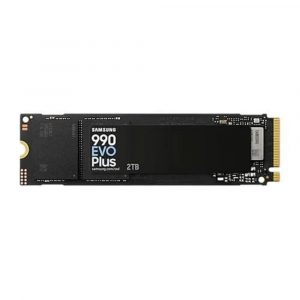
- Original price was: ₹196,299.₹99,299Current price is: ₹99,299. (Inclusive of GST) Brand: Samsung Add to cart
- Original price was: ₹98,099.₹34,769Current price is: ₹34,769. (Inclusive of GST) Brand: Samsung Add to cart
- Original price was: ₹49,099.₹23,809Current price is: ₹23,809. (Inclusive of GST) Brand: Samsung Add to cart
- Original price was: ₹259,799.₹128,399Current price is: ₹128,399. (Inclusive of GST) Brand: Samsung Add to cart
- Original price was: ₹129,899.₹55,639Current price is: ₹55,639. (Inclusive of GST) Brand: Samsung Add to cart
- Original price was: ₹64,899.₹30,749Current price is: ₹30,749. (Inclusive of GST) Brand: Samsung Add to cart
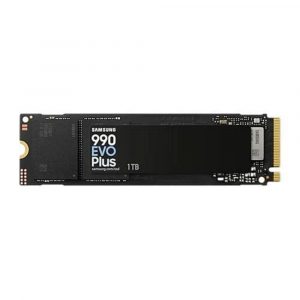
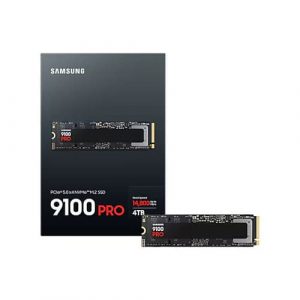
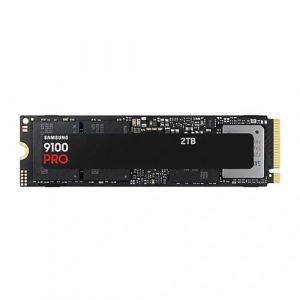
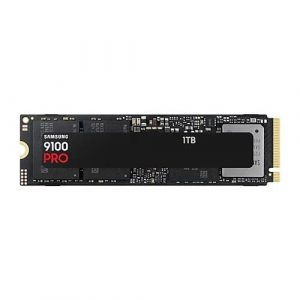
Showing all 8 results
Why Buy Your Gen5 NVMe SSD from Ezpz Solutions?
We aren’t just a generic online tech catalog we are dedicated PC builders offering comprehensive Doorstep PC & Laptop Services right here in Mumbai. Upgrading to the PCIe 5.0 standard requires far more than just plugging in a drive. Gen5 SSDs run incredibly hot and require specific motherboard lane configurations to prevent choking your graphics card. That is why we offer hands-on, local support to guarantee your extreme storage upgrade runs flawlessly at maximum speed.
Doorstep OS Cloning & Installation in Mumbai: Upgrading your primary drive to a blazing-fast Gen5 SSD but terrified of losing your files or spending hours reinstalling Windows? We offer complete Home PC Assembly and Installation, alongside Home PC Parts Upgrades and Testing, across Mumbai and nearby areas. Our technicians will safely install your new drive and perform a bit-by-bit clone of your old OS. You get your exact same PC back, just infinitely faster.
The Thermal Management Experts: Gen5 NVMe SSDs run incredibly hot. If they are not properly cooled, they will violently throttle their speeds to protect themselves, completely defeating the purpose of the upgrade. We ensure your new drive is installed with a massive active/passive heatsink, and we verify your PC case has the necessary airflow to keep the controller chip ice-cold under heavy rendering loads.
PCIe 5.0 Lane Compatibility: Not all M.2 slots are created equal! Even on high-end motherboards, only specific slots are wired for PCIe 5.0 speeds. Furthermore, populating the wrong slot can sometimes cut your graphics card’s bandwidth in half. Our Mumbai team will perfectly configure your hardware so both your GPU and your new Gen5 SSD run at maximum capacity.
100% Genuine & Warrantied: Counterfeit drives cannot replicate Gen5 speeds. Every single NVMe SSD we sell is 100% genuine, factory-sealed, and backed by a full official Indian warranty to protect your premium investment.
Frequently Asked Questions:
Do I really need a Gen5 SSD for gaming?
For 95% of gamers, the honest answer is no. A high-quality Gen4 SSD is currently more than fast enough to instantly load modern games. A Gen5 SSD is an enthusiast-tier product specifically designed for professional users moving massive 100GB+ files daily (like raw 8K video footage or AI datasets) and extreme PC builders who want to completely future-proof their systems for upcoming games that heavily utilize Microsoft’s DirectStorage API.
Does a Gen5 NVMe SSD absolutely need a heatsink?
Yes. Absolutely. The controllers on Gen5 SSDs process so much data so quickly that they generate extreme amounts of heat. If you run a Gen5 SSD bare (without a heatsink), it will quickly overheat and throttle its speeds down to slower than a Gen3 drive, or it may even crash your system. You must either buy a Gen5 drive that comes with a massive pre-installed heatsink (some even have tiny built-in fans), or ensure your motherboard has a very thick, heavy-duty M.2 armor shield.
Will a Gen5 SSD work in a Gen4 motherboard?
Yes, NVMe drives are fully backwards compatible. If you install a Gen5 SSD into a PCIe Gen4 motherboard slot, the drive will work perfectly fine. However, it will be physically bottlenecked by the motherboard and will only run at Gen4 speeds (around 7,500 MB/s max). To actually experience 14,000 MB/s speeds, you must install the drive into a compatible PCIe 5.0 motherboard (like AMD’s AM5 X670E/X870E or Intel’s Z790/Z890 series).
Can I put a Gen5 NVMe SSD in my laptop?
Currently, this is highly discouraged. Because Gen5 SSDs generate extreme heat and require massive heatsinks, they are generally too hot and too physically thick to safely install inside the tight, unventilated chassis of a laptop. For laptops, we highly recommend sticking to cool, power-efficient Gen4 NVMe SSDs.
