
Showing 33–48 of 108 results
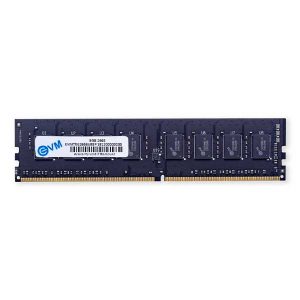
- Original price was: ₹8,499.₹4,549Current price is: ₹4,549. (Inclusive of GST) Brand: EVM Add to cart
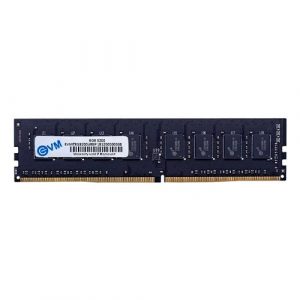
- Original price was: ₹15,472.₹4,949Current price is: ₹4,949. (Inclusive of GST) Brand: EVM Add to cart
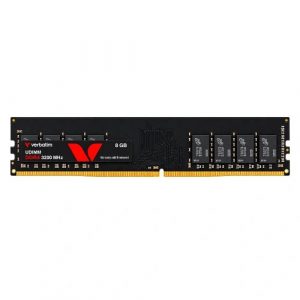
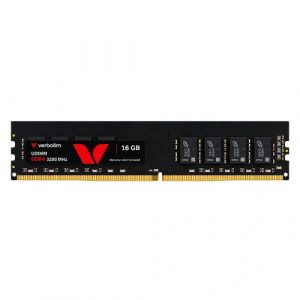
- Original price was: ₹17,599.₹5,649Current price is: ₹5,649. (Inclusive of GST) Brand: Verbatim Add to cart
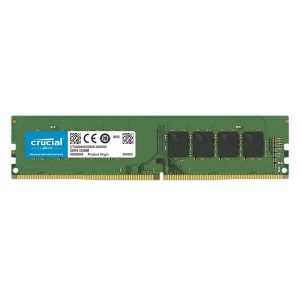
- Original price was: ₹18,400.₹5,899Current price is: ₹5,899. (Inclusive of GST) Brand: Crucial Add to cart
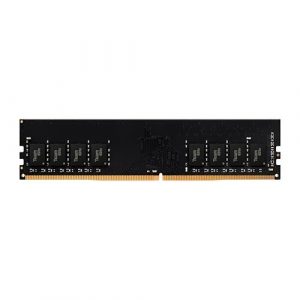
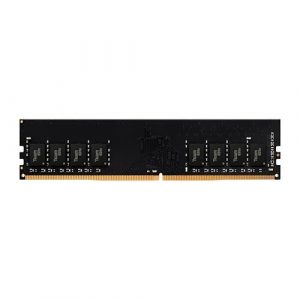
- Original price was: ₹11,990.₹5,999Current price is: ₹5,999. (Inclusive of GST) Brand: Team Group Add to cart
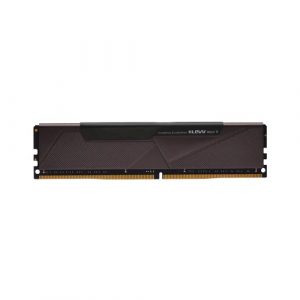
- Original price was: ₹21,999.₹6,549Current price is: ₹6,549. (Inclusive of GST) Brand: Klevv Add to cart
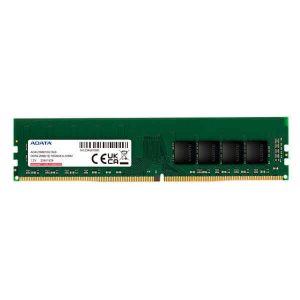
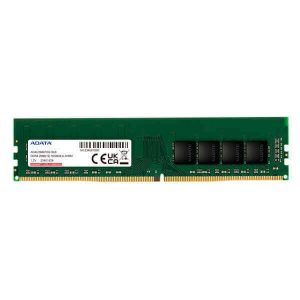
- Original price was: ₹17,400.₹6,649Current price is: ₹6,649. (Inclusive of GST) Brand: Adata Add to cart
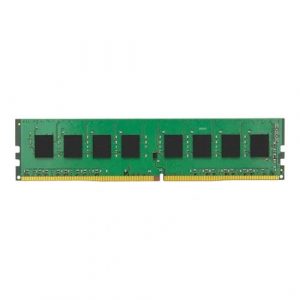
- Original price was: ₹19,000.₹6,949Current price is: ₹6,949. (Inclusive of GST) Brand: Kingston Add to cart
- Original price was: ₹18,840.₹6,999Current price is: ₹6,999. (Inclusive of GST) Brand: Adata Add to cart
- Original price was: ₹12,990.₹7,049Current price is: ₹7,049. (Inclusive of GST) Brand: Team Group Add to cart
- Original price was: ₹17,160.₹7,349Current price is: ₹7,349. (Inclusive of GST) Brand: Adata Add to cart
- Original price was: ₹19,999.₹8,299Current price is: ₹8,299. (Inclusive of GST) Brand: EVM Add to cart
- Original price was: ₹31,999.₹11,099Current price is: ₹11,099. (Inclusive of GST) Brand: Verbatim Add to cart
- Original price was: ₹27,720.₹12,149Current price is: ₹12,149. (Inclusive of GST) Brand: Adata Add to cart
- Original price was: ₹22,990.₹12,249Current price is: ₹12,249. (Inclusive of GST) Brand: Team Group Add to cart
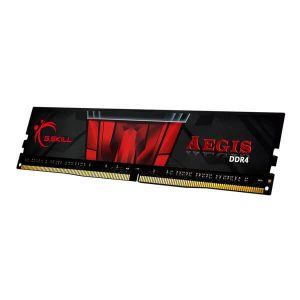
- Original price was: ₹28,560.₹12,349Current price is: ₹12,349. (Inclusive of GST) Brand: G.Skill Add to cart
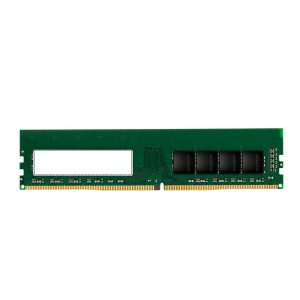
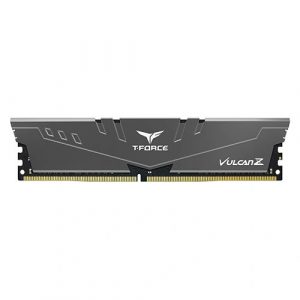
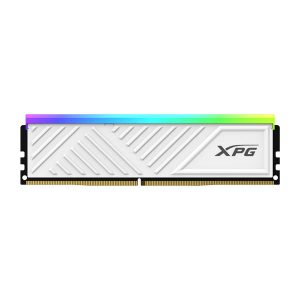
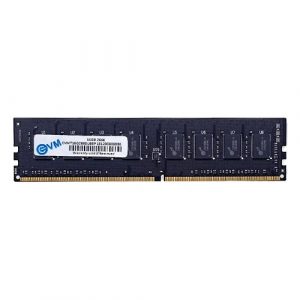
Showing 33–48 of 108 results
Why Buy Your Desktop PC RAM from Ezpz Solutions?
We aren’t just a generic online tech catalog we are dedicated PC builders offering comprehensive Doorstep PC & Laptop Services right here in Mumbai. While snapping a stick of RAM into a motherboard might seem simple, ensuring absolute stability, avoiding mixed-kit blue screens, and properly configuring your BIOS requires technical expertise. That is why we offer hands-on, local support to guarantee your desktop memory upgrade actually delivers the speed you paid for.
Doorstep Installation in Mumbai: Upgrading an older desktop but terrified of using too much force and snapping the motherboard’s memory slot? We offer complete Home PC Assembly and Installation, alongside Home PC Parts Upgrades and Testing, across Mumbai and nearby areas. We will bring your new RAM kit directly to your door, safely seat the modules in the correct dual-channel configuration, and ensure your system boots perfectly.
The XMP & EXPO Experts: High-speed RAM does not run at its advertised speed out of the box! If you buy a 6000MHz DDR5 kit, it will default to a slow base speed until it is properly configured. Our Mumbai technicians will boot into your system’s BIOS and enable Intel XMP or AMD EXPO profiles, ensuring you get the absolute maximum frame rates from your new purchase.
Physical Clearance Checks: Buying a massive dual-tower CPU air cooler? We will help you select low-profile RAM that physically fits underneath it without causing space conflicts.
Complete System Health: Since the PC case is already open, it is the perfect time for maintenance. Alongside hardware upgrades, our technicians offer Home PC Troubleshooting & Repair, and both Home PC Normal Cleaning and Home PC Deep Cleaning services to remove dust buildup from your memory slots and keep your desktop running smoothly.
Frequently Asked Questions:
Does RAM speed actually matter for PC gaming?
Yes, especially for modern processors! While upgrading your graphics card has the biggest impact on average frame rates, upgrading your RAM speed (and tightening the latency timings) significantly improves your “1% lows.” This means your game will experience far fewer sudden frame drops and micro-stutters during intense, action-packed moments. Fast RAM is especially critical if you are using an AMD Ryzen processor, as their architecture relies heavily on memory speed for maximum performance.
What is “Dual-Channel” memory, and why should I buy two sticks?
Desktop motherboards are designed to communicate with memory using multiple channels. If you install a single 16GB stick of RAM, the processor can only access that memory through one “lane” (single-channel). If you install two 8GB sticks instead, the processor uses two lanes simultaneously (dual-channel), effectively doubling the memory bandwidth. You should always buy your RAM in kits of two (or four) and install them in the correct motherboard slots to ensure maximum performance.
Can I use laptop RAM in a desktop PC?
No. Desktop motherboards utilize standard DIMM (Dual In-Line Memory Module) slots, which are physically long memory sticks. Laptops and some ultra-compact mini-PCs utilize SO-DIMM slots, which are roughly half the length. They are completely physically incompatible with one another.
Should I buy DDR4 or DDR5 RAM for a new desktop build?
If you are building a brand-new, mid-to-high-end PC on a modern platform (like AMD’s AM5 or Intel’s LGA 1700/1851), you should absolutely buy DDR5. It is the current standard, offering vastly higher speeds and better future-proofing. However, if you are building an ultra-budget PC on an older platform (like AMD’s AM4 socket, using an A520 or B550 motherboard), DDR4 remains an incredibly cost-effective choice that still delivers fantastic 1080p gaming performance.
