
Showing 1–16 of 31 results
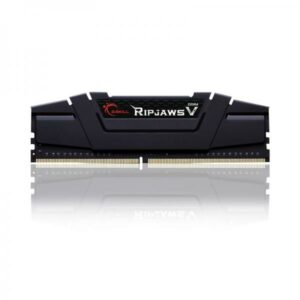
- Original price was: ₹29,520.₹12,769Current price is: ₹12,769. (Inclusive of GST) Brand: G.Skill Add to cart
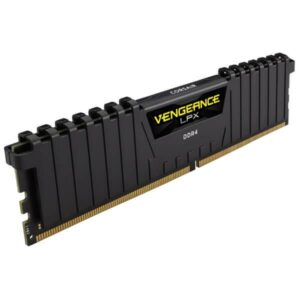
- Original price was: ₹29,072.₹13,349Current price is: ₹13,349. (Inclusive of GST) Brand: Corsair Add to cart
- Original price was: ₹16,640.₹7,619Current price is: ₹7,619. (Inclusive of GST) Brand: Corsair Add to cart
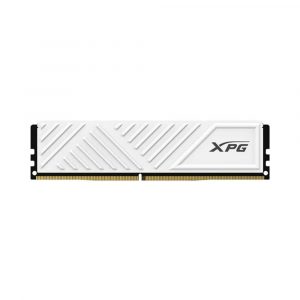
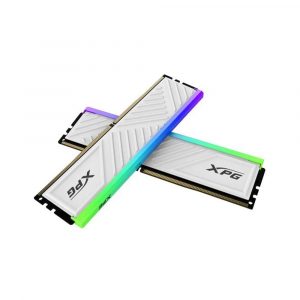
- Original price was: ₹17,160.₹7,369Current price is: ₹7,369. (Inclusive of GST) Brand: XPG Add to cart
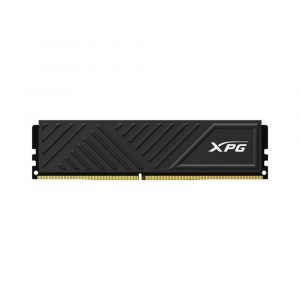
- Original price was: ₹19,560.₹6,969Current price is: ₹6,969. (Inclusive of GST) Brand: XPG Add to cart
- Original price was: ₹106,160.₹58,829Current price is: ₹58,829. (Inclusive of GST) Brand: XPG Add to cart
- Original price was: ₹8,499.₹4,549Current price is: ₹4,549. (Inclusive of GST) Brand: EVM Add to cart
- Original price was: ₹15,472.₹4,949Current price is: ₹4,949. (Inclusive of GST) Brand: EVM Add to cart
- Original price was: ₹17,599.₹5,649Current price is: ₹5,649. (Inclusive of GST) Brand: Verbatim Add to cart
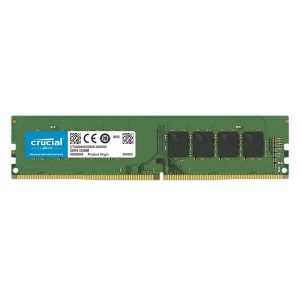
- Original price was: ₹18,400.₹5,899Current price is: ₹5,899. (Inclusive of GST) Brand: Crucial Add to cart
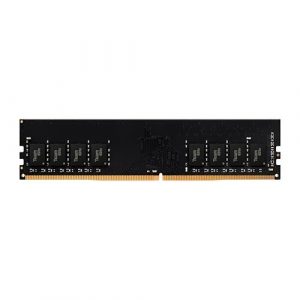
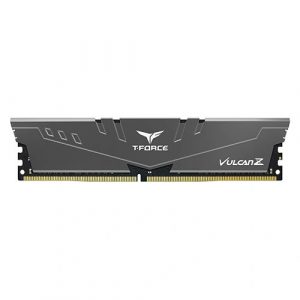
- Original price was: ₹11,990.₹5,999Current price is: ₹5,999. (Inclusive of GST) Brand: Team Group Add to cart
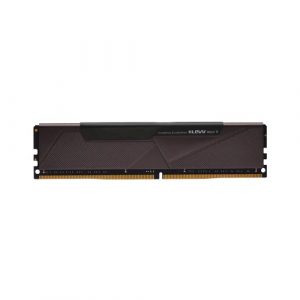
- Original price was: ₹21,999.₹6,549Current price is: ₹6,549. (Inclusive of GST) Brand: Klevv Add to cart
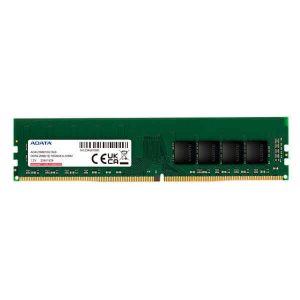
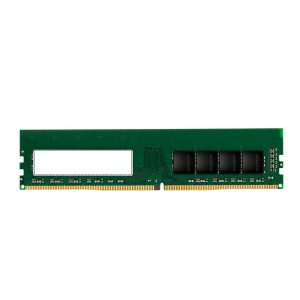
- Original price was: ₹17,400.₹6,649Current price is: ₹6,649. (Inclusive of GST) Brand: Adata Add to cart
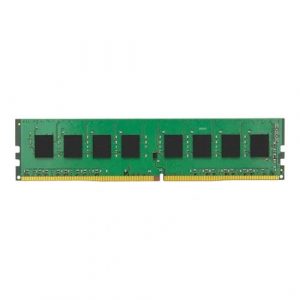
- Original price was: ₹19,000.₹6,949Current price is: ₹6,949. (Inclusive of GST) Brand: Kingston Add to cart
- Original price was: ₹18,840.₹6,999Current price is: ₹6,999. (Inclusive of GST) Brand: Adata Add to cart
- Original price was: ₹12,990.₹7,049Current price is: ₹7,049. (Inclusive of GST) Brand: Team Group Add to cart
Showing 1–16 of 31 results
Why Buy Your Desktop DDR4 RAM from Ezpz Solutions?
We aren’t just a generic online tech catalog we are dedicated PC builders offering comprehensive Doorstep PC & Laptop Services right here in Mumbai. Upgrading an older desktop requires care. Ensuring your new RAM matches your motherboard’s maximum supported capacity and properly configuring your BIOS requires technical expertise. That is why we offer hands-on, local support to guarantee your budget memory upgrade actually delivers the speed you paid for.
Doorstep Installation in Mumbai: Upgrading a fragile older desktop but terrified of using too much force and snapping the motherboard’s memory slot? We offer complete Home PC Assembly and Installation, alongside Home PC Parts Upgrades and Testing, across Mumbai and nearby areas. We will bring your new DDR4 kit directly to your door, safely clean the dust out of your slots, seat the modules in the correct dual-channel configuration, and ensure your system boots perfectly.
The XMP & DOCP Experts: High-speed DDR4 does not run at its advertised speed out of the box! If you buy a 3600MHz kit, it will default to a slow base speed (usually 2133MHz or 2666MHz) until it is properly configured. Our Mumbai technicians will boot into your older system’s BIOS and enable Intel XMP or AMD DOCP profiles, ensuring you get the absolute maximum frame rates from your new purchase.
Physical Clearance & Compatibility Checks: Adding more RAM to an existing system? We will ensure your new sticks match the speed and timings of your old ones to prevent “Blue Screens of Death.” Buying a massive CPU cooler? We will help you select low-profile DDR4 that physically fits underneath it.
100% Genuine & Lifetime Warranties: Every memory kit we sell is 100% genuine. Most premium DDR4 modules from brands like Corsair and G.Skill are backed by official limited lifetime warranties, protecting your investment forever.
Frequently Asked Questions:
Can I install DDR4 RAM into a DDR5 motherboard?
Absolutely not. DDR generations are completely physically incompatible. A DDR4 memory stick has its connection notch located in a different place than a DDR5 stick. You cannot force a DDR4 stick into a DDR5 motherboard slot (and vice versa) without destroying the hardware. You must buy the exact generation of memory that your specific motherboard supports.
Is DDR4 still good for gaming in 2026?
Yes! If you are building a budget 1080p gaming PC, or if you already own a fantastic older platform like an AMD Ryzen 5800X3D or an Intel Core i5-12400F, DDR4 is still incredibly capable. While it doesn’t have the extreme bandwidth of the newer DDR5 standard, a high-quality 16GB or 32GB DDR4 kit will effortlessly run every modern AAA game on the market smoothly.
Which DDR4 speed should I buy: 3200MHz or 3600MHz?
For almost all DDR4 systems, 3200MHz or 3600MHz is considered the ultimate “sweet spot” for price and performance.
If you are on an extremely tight budget or using a slightly older processor (like a Ryzen 3000 series or Intel 10th Gen), 3200MHz is highly reliable and affordable.
If you are using an AMD Ryzen 5000 series processor, you should absolutely spend the few extra rupees for a 3600MHz kit, as the Ryzen architecture benefits massively from that specific memory speed.
Should I buy one 16GB stick or two 8GB sticks?
Always buy two sticks! Desktop processors are designed to use “Dual-Channel” memory. By installing two 8GB sticks into the correct alternating slots on your motherboard, you effectively double the data bandwidth between your processor and your RAM compared to using a single 16GB stick. Buying a matched kit of two sticks will give you a noticeable boost in gaming frame rates.
