
Showing 1–16 of 22 results
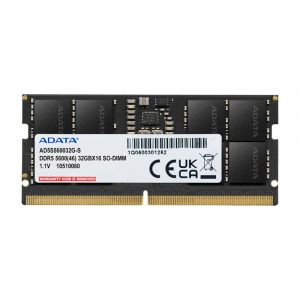
- Original price was: ₹70,760.₹55,729Current price is: ₹55,729. (Inclusive of GST) Brand: Adata Add to cart
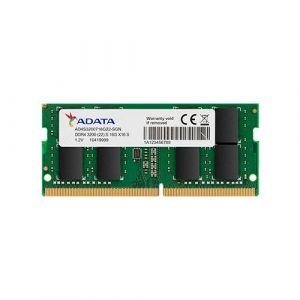
- Original price was: ₹9,999.₹6,149Current price is: ₹6,149. (Inclusive of GST) Brand: Adata Add to cart
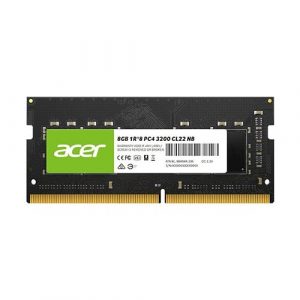
- Original price was: ₹12,500.₹5,449Current price is: ₹5,449. (Inclusive of GST) Brand: Acer Add to cart
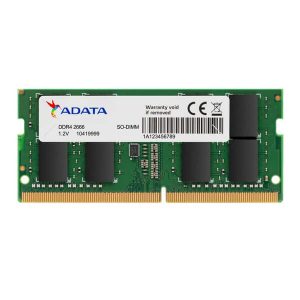
- Original price was: ₹28,200.₹12,199Current price is: ₹12,199. (Inclusive of GST) Brand: Adata Add to cart
- Original price was: ₹12,380.₹3,399Current price is: ₹3,399. (Inclusive of GST) Brand: Adata Add to cart
- Original price was: ₹16,920.₹6,649Current price is: ₹6,649. (Inclusive of GST) Brand: Adata Add to cart
- Original price was: ₹28,920.₹13,899Current price is: ₹13,899. (Inclusive of GST) Brand: Adata Add to cart
- Original price was: ₹48,840.₹30,999Current price is: ₹30,999. (Inclusive of GST) Brand: Adata Add to cart
- Original price was: ₹18,840.₹6,749Current price is: ₹6,749. (Inclusive of GST) Brand: Adata Add to cart
- Original price was: ₹18,400.₹5,899Current price is: ₹5,899. (Inclusive of GST) Brand: Crucial Add to cart
- Original price was: ₹26,492.₹9,649Current price is: ₹9,649. (Inclusive of GST) Brand: EVM Add to cart
- Original price was: ₹15,904.₹4,949Current price is: ₹4,949. (Inclusive of GST) Brand: EVM Add to cart
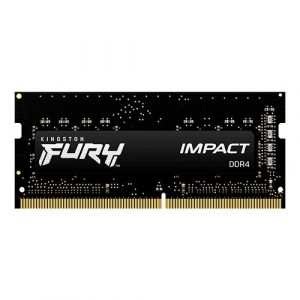
- Original price was: ₹23,999.₹14,949Current price is: ₹14,949. (Inclusive of GST) Brand: Kingston Add to cart
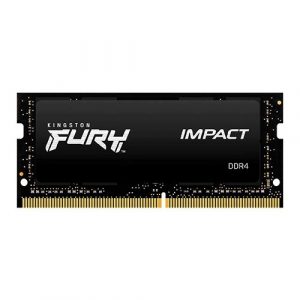
- Original price was: ₹49,999.₹32,249Current price is: ₹32,249. (Inclusive of GST) Brand: Kingston Add to cart
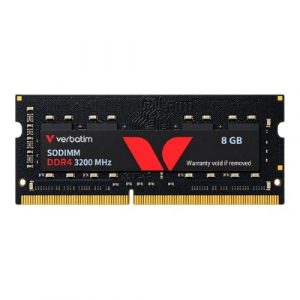
- Original price was: ₹17,599.₹5,599Current price is: ₹5,599. (Inclusive of GST) Brand: Verbatim Add to cart
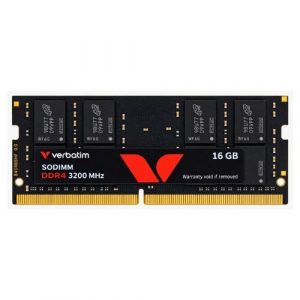
- Original price was: ₹31,999.₹11,099Current price is: ₹11,099. (Inclusive of GST) Brand: Verbatim Add to cart
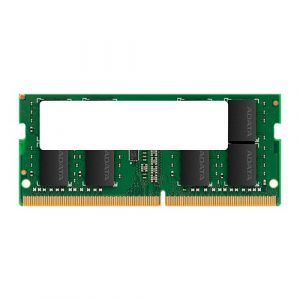
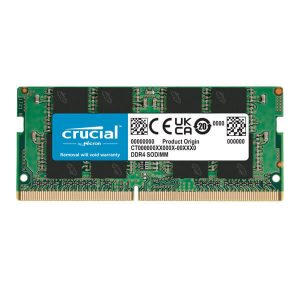
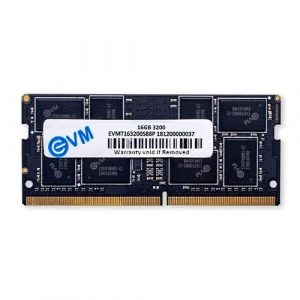
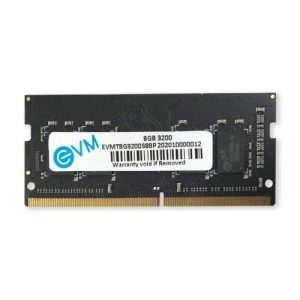
Showing 1–16 of 22 results
Why Buy Your Laptop RAM from Ezpz Solutions?
We aren’t just a generic online tech catalog—we are dedicated PC builders offering comprehensive Doorstep PC & Laptop Services right here in Mumbai. Upgrading laptop memory can be incredibly intimidating; modern laptops feature fragile plastic clips, hidden screws, and delicate ribbon cables. That is why we offer hands-on, local support to guarantee your laptop upgrade is safe, fast, and completely stress-free.
Doorstep Laptop Installation in Mumbai: Terrified of prying open your expensive gaming laptop and accidentally shorting the motherboard or breaking a clip? We offer complete Home PC Assembly and Installation, alongside Home PC Parts Upgrades and Testing, across Mumbai and nearby areas. Our technicians will bring your new RAM directly to your door, safely open your laptop chassis, install the SO-DIMM or LPCAMM2 modules, and verify that Windows recognizes the new capacity.
Compatibility & Max Capacity Checks: Not all laptops can be upgraded! Some have soldered memory, while others have strict maximum capacity limits (like a 16GB or 32GB ceiling). Before you buy, our Mumbai team will verify your exact laptop model’s maximum supported RAM and correct DDR generation, ensuring you never waste money on incompatible parts.
Complete System Health: Since we are already opening your laptop chassis, it is the perfect time for essential maintenance. Alongside hardware upgrades, our technicians offer Home PC Troubleshooting & Repair, and both Home PC Normal Cleaning and Home PC Deep Cleaning services. We will carefully clean the dust out of your laptop’s cooling fans and heatsinks to prevent thermal throttling and improve battery life.
100% Genuine & Warrantied: Every laptop memory module we sell is 100% genuine and backed by a full official Indian warranty, giving you premium peace of mind.
Frequently Asked Questions:
Can I put desktop RAM into a laptop?
No. They are completely physically incompatible. Desktop computers use long DIMM (Dual In-Line Memory Module) sticks. Traditional laptops and some ultra-compact mini-PCs use SO-DIMM (Small Outline DIMM) sticks, which are roughly half the length. You must specifically buy laptop RAM for a notebook computer.
What is LPCAMM2 laptop memory?
LPCAMM2 is a revolutionary new laptop memory standard that began rolling out to consumer laptops in 2026. Historically, if a manufacturer wanted to use ultra-fast, highly efficient LPDDR5X memory in a thin laptop, they had to permanently solder it to the motherboard. LPCAMM2 fixes this by placing that ultra-fast memory on a replaceable, compression-attached module. It is significantly faster and takes up 64% less space than standard DDR5 SO-DIMMs. If your modern laptop supports LPCAMM2, it offers incredible performance and battery savings while allowing for future upgrades!
How do I know if my laptop’s RAM can be upgraded?
Unfortunately, many modern ultra-thin laptops (like MacBook Airs and some premium Windows ultrabooks) have their RAM permanently soldered directly to the motherboard to save space, making them impossible to upgrade. Gaming laptops and thicker business workstations, however, almost always feature accessible SO-DIMM slots. You can check your laptop manufacturer’s official specifications online, or simply ask our local Mumbai team to verify your model’s upgradeability before you make a purchase.
Can I mix a new RAM stick with the old one already in my laptop?
While it is technically possible to mix a new 8GB stick with your existing 8GB stick, we highly recommend buying a completely matched kit (like a 16GB kit containing two identical 8GB sticks) if you want absolute maximum performance and stability. If you do mix sticks, ensure they are the exact same DDR generation, speed, and voltage. Keep in mind that if you install a faster 3200MHz stick next to an older 2666MHz stick, your laptop will automatically force both to run at the slower 2666MHz speed.
