
Showing 1–16 of 26 results
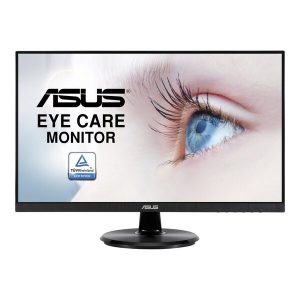
- Original price was: ₹22,999.₹11,499Current price is: ₹11,499. (Inclusive of GST) Brand: Asus Add to cart
- Original price was: ₹28,000.₹11,879Current price is: ₹11,879. (Inclusive of GST) Brand: Samsung Add to cart
- Original price was: ₹19,000.₹14,659Current price is: ₹14,659. (Inclusive of GST) Brand: LG Add to cart
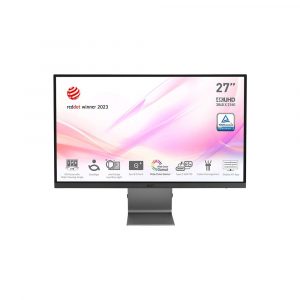
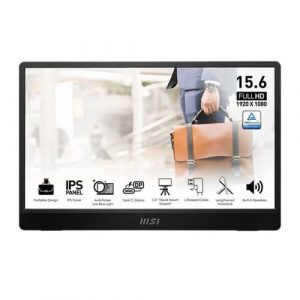
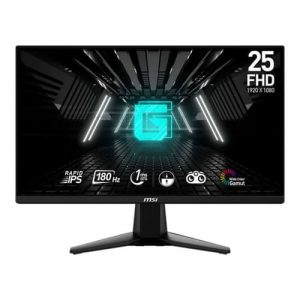
- Original price was: ₹43,999.₹23,529Current price is: ₹23,529. (Inclusive of GST) Brand: Msi Add to cart
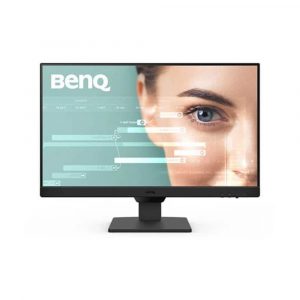
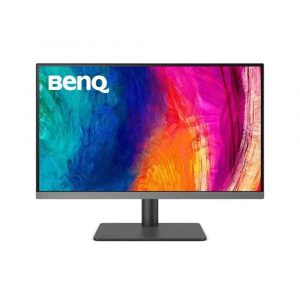
- Original price was: ₹13,999.₹8,489Current price is: ₹8,489. (Inclusive of GST) Brand: BenQ Add to cart
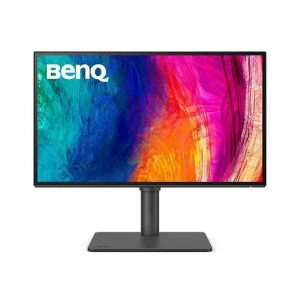
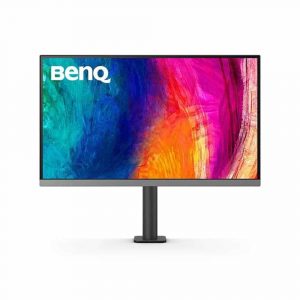
- Original price was: ₹32,999.₹27,779Current price is: ₹27,779. (Inclusive of GST) Brand: BenQ Add to cart
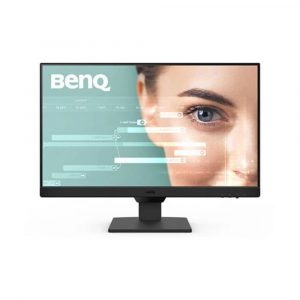
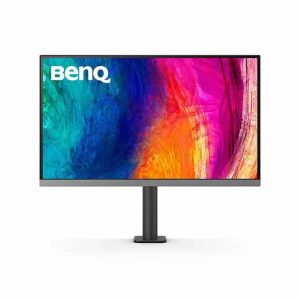
- Original price was: ₹17,999.₹10,629Current price is: ₹10,629. (Inclusive of GST) Brand: BenQ Add to cart
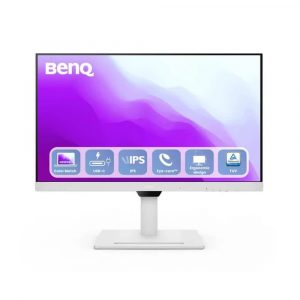
- Original price was: ₹34,999.₹25,979Current price is: ₹25,979. (Inclusive of GST) Brand: BenQ Add to cart
- Original price was: ₹45,999.₹39,549Current price is: ₹39,549. (Inclusive of GST) Brand: BenQ Add to cart
- Original price was: ₹63,999.₹44,379Current price is: ₹44,379. (Inclusive of GST) Brand: BenQ Add to cart
- Original price was: ₹40,999.₹38,449Current price is: ₹38,449. (Inclusive of GST) Brand: BenQ Add to cart
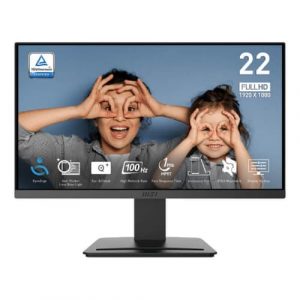
- Original price was: ₹25,999.₹14,679Current price is: ₹14,679. (Inclusive of GST) Brand: Msi Add to cart
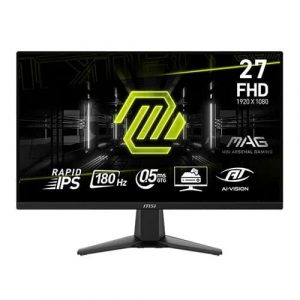
- Original price was: ₹20,999.₹11,279Current price is: ₹11,279. (Inclusive of GST) Brand: Msi Add to cart
- Original price was: ₹19,999.₹9,129Current price is: ₹9,129. (Inclusive of GST) Brand: Msi Add to cart
- Original price was: ₹10,999.₹5,289Current price is: ₹5,289. (Inclusive of GST) Brand: Msi Add to cart
- Original price was: ₹16,999.₹12,179Current price is: ₹12,179. (Inclusive of GST) Brand: Msi Add to cart

Showing 1–16 of 26 results
Why Buy Your Monitor from ezpz solutions?
We aren’t just a generic online tech catalog—we are a dedicated PC building and hardware business offering comprehensive onsite services right here in Mumbai. Buying a monitor online can be stressful. Getting a screen with a dead pixel or struggling to mount a heavy ultrawide display to your desk can ruin the upgrade experience. That is why we offer hands-on, local support to guarantee your visual setup is flawless.
Onsite VESA Mounting & Setup in Mumbai: Reclaim your desk space! We offer complete onsite hardware installation across Mumbai. If you are upgrading to a dual-monitor or triple-monitor setup, our technicians will come to your location, safely unbox your delicate screens, securely mount them to heavy-duty VESA gas-spring arms, and expertly route the thick power and DisplayPort cables down the arms for a pristine, floating aesthetic.
High-Refresh Rate Configuration: Buying a 240Hz or 360Hz gaming monitor is useless if Windows is still locked to 60Hz. Our Mumbai team will ensure your new gaming display is plugged directly into your graphics card (not the motherboard!), enable G-Sync or FreeSync, and properly configure your Windows display settings so you actually get the buttery-smooth gameplay you paid for.
Designer Color Calibration: For professional video editors and graphic designers, color accuracy is everything. We can help you select factory-calibrated IPS or OLED displays that boast 99% DCI-P3 and Adobe RGB color gamut coverage, ensuring what you see on the screen exactly matches your final print or render.
100% Genuine & Safe Transit: Monitors are incredibly fragile. Every display we sell is 100% genuine, factory-sealed, and backed by the manufacturer’s official Indian warranty. We ensure local, safe transit so your panel arrives without cracked glass or impact damage.
Frequently Asked Questions :
What is the difference between IPS, VA, and TN panels?
These are the three main types of LCD screen technologies, and they dictate how the monitor looks:
IPS (In-Plane Switching): The absolute best for color accuracy and viewing angles. Colors look vibrant and perfect from any angle. Highly recommended for designers, content creators, and gamers who want beautiful visuals.
VA (Vertical Alignment): The best for deep, dark blacks and high contrast. Great for watching movies in a dark room or playing immersive, atmospheric single-player games.
TN (Twisted Nematic): The oldest technology. It has poor viewing angles and washed-out colors, but it offers the absolute fastest response times. Usually only bought by extreme, competitive esports players on a budget.
What does “Refresh Rate” (Hz) mean, and why does it matter?
Refresh rate, measured in Hertz (Hz), is how many times per second the monitor redraws the image on the screen.
60Hz / 75Hz: Standard for office work and watching YouTube.
144Hz / 165Hz: The “sweet spot” for gaming. Moving your mouse and playing fast-paced games will feel incredibly smooth and responsive.
240Hz+: Exclusively for ultra-competitive esports gaming where split-second reaction times matter.
Does it matter if I use HDMI or DisplayPort?
Yes, especially for gaming! While modern HDMI 2.1 is excellent, traditional HDMI cables often limit your monitor’s refresh rate (e.g., locking a 144Hz monitor to only 120Hz or 60Hz). If you are buying a high-refresh-rate Gaming Monitor, you should almost always use the DisplayPort cable included in the box and plug it directly into your graphics card to unlock the monitor’s maximum speed and enable features like G-Sync.
Should I buy a Curved Monitor or a Flat Monitor?
This depends on the size of the screen. For standard 24-inch or 27-inch monitors, a flat screen is usually best, especially if you are doing design work where straight lines need to look perfectly straight. However, if you are buying a massive 34-inch Ultrawide monitor, a curved screen is highly recommended. The curve wraps the edges of the massive screen around your peripheral vision, reducing eye and neck strain.
