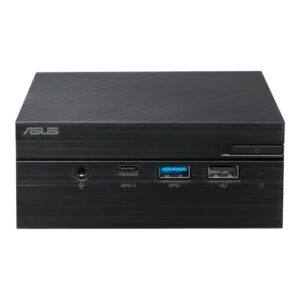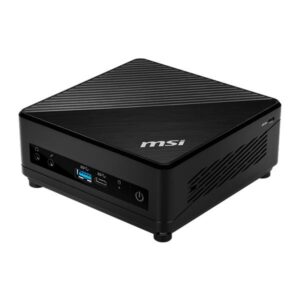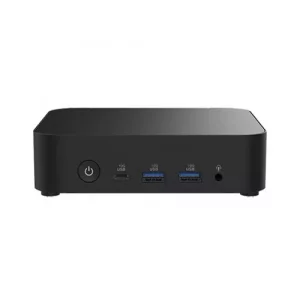
Asus NUC 15 Pro Barebone Mini PC (Intel Core Ultra 7-255H with Intel Arc 140T GPU)
Overview :
Introducing the ASUS NUC 15 Pro – where intelligent design meets unparalleled performance. Its compact form factor is engineered for versatility, making it ideal for a variety of development scenarios, from AI model training to data visualization. Powered by the latest Gen Intel Core Ultra processors, DDR5 6400 MHz memory, and Intel Arc GPU, it delivers exceptional speed and efficiency.Experience lightning-fast connectivity and seamless collaboration with cutting-edge Wi-Fi 7. Elevate your workflow and adapt to any environment with the NUC 15 Pro your compact powerhouse for innovation.
Specifications Table :
| Product Name | ASUS NUC 15 Pro |
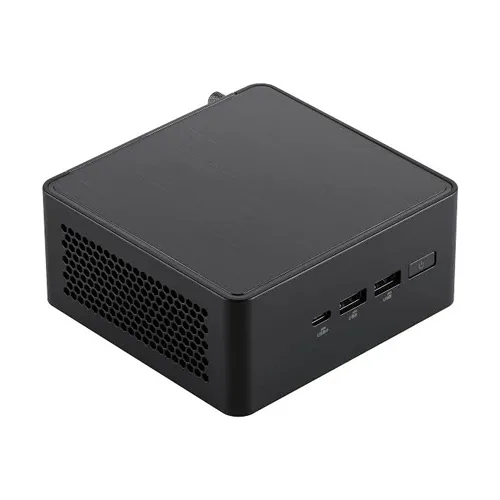
| Form Factor | Compact 0.48L with Tool-Less 2.0 Chassis |
| Operating System | No Operating System included (Supports Windows 11 Home/Pro 64-bit) |
| CPU | Intel Core Ultra 7 Processor 255H, cTDP 40W |
| Chipset | Integrated |
| Graphics | Intel Arc 140T GPU |
| Memory (RAM) | No RAM included (2 x SO-DIMM, Up to DDR5-5600, 48GB2)* |
| Storage Support | • 1 x M.2 2280 PCIe Gen5x4 (Supports 128GB~8TB NVMe SSD) • 1 x M.2 2242 PCIe Gen4x4 (Supports 128GB~2TB NVMe SSD) (Storage not included) |
| Wireless Network | Intel Wi-Fi 7 BE201 (Gig+), Bluetooth 5.4 |
| LAN (Ethernet) | Intel Ethernet Controller I226-LM, 2.5G |
| Audio Support | Digital Audio (No Analog Audio Support) |
| TPM & Security | fTPM 2.0, Intel vPro, Kensington Lock |
| Card Reader | None |
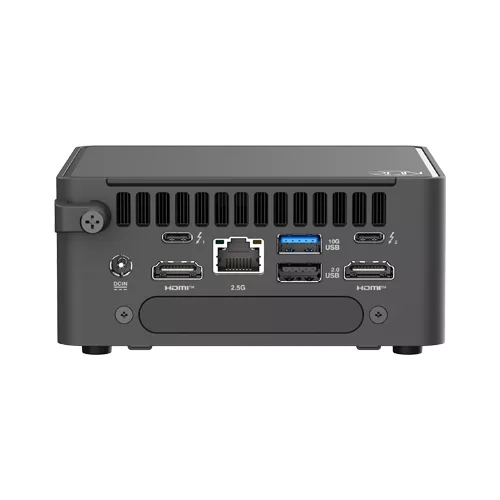
| HDMI CEC | Yes, 2 ports on back panel |
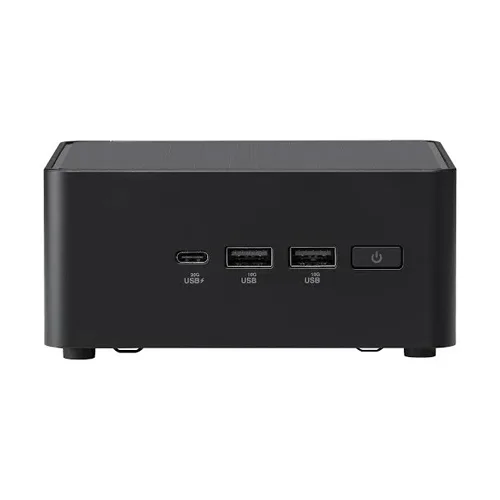
| Front I/O Ports | • 1 x USB 3.2 Gen2x2 Type-C • 2 x USB 3.2 Gen2 Type-A |
| Back I/O Ports | • 2 x Thunderbolt 4 Type-C w/ DisplayPort 2.1 • 1 x USB 3.2 Gen 2 Type-A • 1 x USB 2.0 Type-A • 2 x HDMI 2.1 (TMDS Compatible) • 1 x RJ45 LAN • 1 x DC-in |
| Side I/O Ports | 1 x Kensington Lock |
| Power Supply | 120W Power Adapter (19VDC, 6.32A, Meets DOE Level VI efficiency ≥ 88%) |
| Warranty | 3 Years |
| Important Note | RAM and Storage must be bought separately, and the operating system must be installed by yourself. |